
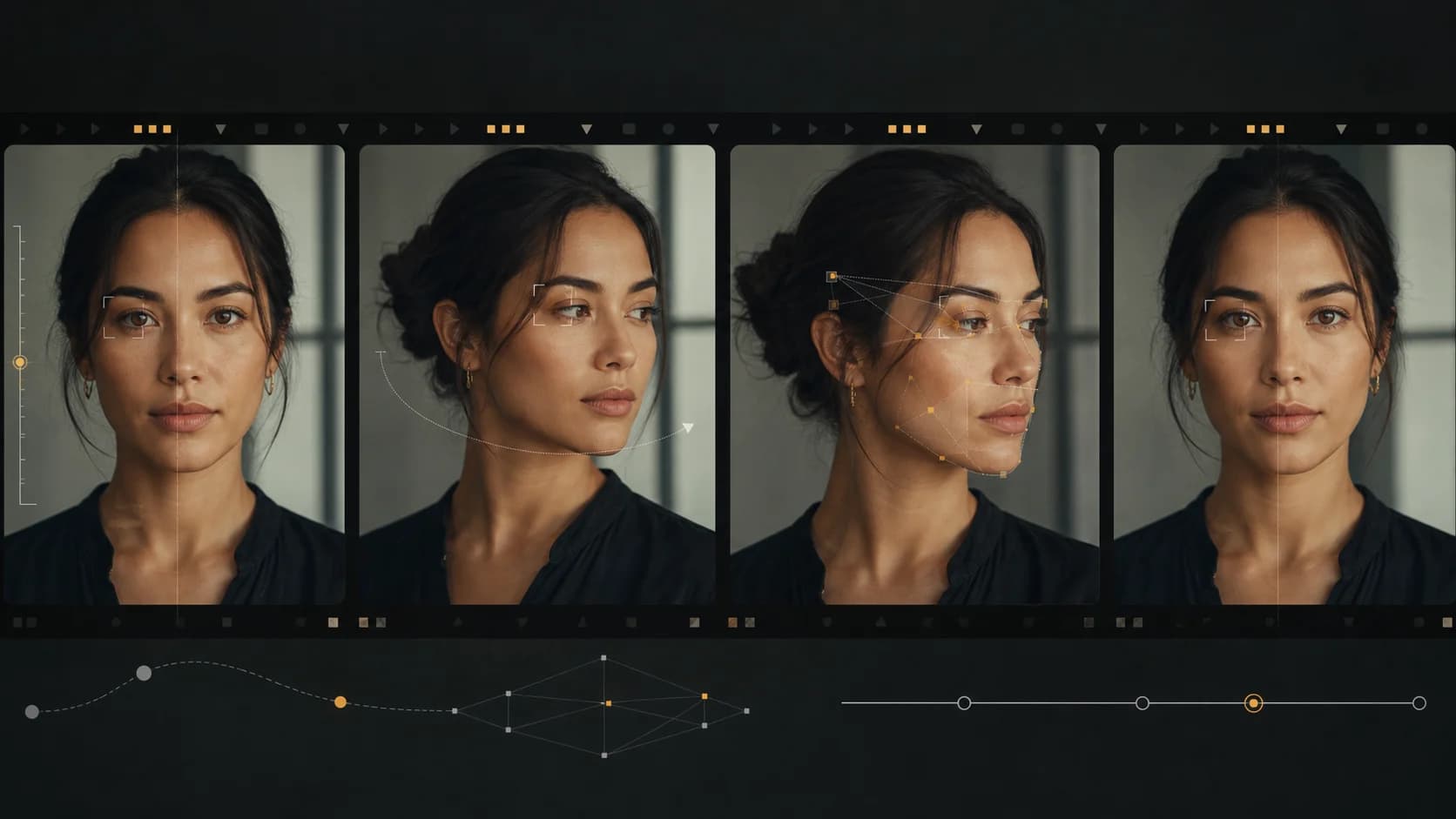
Why AI Video Generators Distort Faces—and How to Fix It
Fix warped, drifting, or melting faces in AI video with a controlled workflow for framing, motion, references, camera movement, lighting, and shot review.
An AI video can look convincing for four seconds and then lose the face in a single turn. Eyes change spacing, teeth merge, the jaw stretches, or the person returns from an occlusion looking related to—but not quite—the original subject.
The useful question is not “Which magic negative prompt fixes faces?” It is which part of the shot makes identity hard to preserve. Framing, head rotation, camera movement, occlusion, lighting, speech, and competing characters all add pressure. Change them one at a time and face distortion becomes a production problem you can diagnose instead of a random failure.
This guide addresses faces that distort in the generated output. If a Seedance upload is rejected before generation because it contains a real person, that is a different input-policy issue; see the Seedance real-face upload guide.
The Short Fix
Start with this sequence:
- Use one clearly visible subject in a medium close-up.
- Keep the camera static and ask for only a small head movement.
- Use an identity reference you have the right and consent to process.
- Remove dialogue, fast turns, hand-over-face gestures, and dramatic lighting.
- Generate a short baseline and inspect it frame by frame.
- Add one difficult element back per attempt.
If the static baseline is already unstable, change the source image or model. If the baseline works, the first added element that breaks it identifies the real problem.
Why Faces Break During AI Video
A still image only needs to settle on one face. A video must preserve the same identity across changing pose, expression, focus, light, motion blur, and partial visibility. Each frame also has to connect smoothly to the next.
The hardest moments tend to be predictable:
- the head rotates from front view to profile;
- hair, a hand, glasses, smoke, or another person covers part of the face;
- the camera moves close while the subject moves in another direction;
- a wide shot leaves too few pixels for stable facial detail;
- harsh light or flicker changes the apparent facial structure;
- speech creates rapid, fine movement around lips, cheeks, and teeth;
- several people cross or overlap, creating an identity-assignment problem.
These are not excuses for bad output. They are variables you can isolate.
Diagnose the Failure Before Rewriting the Prompt
Scrub through the clip and find the first bad frame, not the worst frame. The first failure usually reveals the cause.
| First visible failure | Likely pressure point | First thing to test |
|---|---|---|
| Face changes during a turn | Large pose transition | Reduce turn angle and speed |
| Face changes after being covered | Occlusion | Remove hand, hair, object, or crossing subject |
| Face is weak from frame one | Source or framing | Use a clearer reference and tighter shot |
| Mouth and teeth deform during speech | Dense articulation | Shorten the line; test without dialogue |
| Features pulse with the light | Exposure or flicker | Use one stable, soft light source |
| Two people exchange traits | Role ambiguity | Name positions, wardrobe, and actions separately |
| Face stretches during a camera move | Motion overload | Lock camera, then add a smaller move |
Do not change identity, camera, action, lighting, and duration at once. A better result after a full rewrite teaches you nothing about what fixed it.
Fix 1: Give the Face Enough Screen Space
Face detail has to survive motion. An extreme wide shot of a running person asks the generator to maintain anatomy, clothing, environment, full-body movement, and a tiny face simultaneously.
For the baseline, use one of these:
Medium close-up, eye-level, shoulders and head visibleMedium shot from waist up, face clearly visible throughoutMove wider only after the identity holds. For full-body action, design two shots rather than forcing a close emotional performance and a complex stunt into the same generation.
Do not assume an extreme close-up is automatically safer. At very close range, small eye, mouth, and skin changes become conspicuous. A medium close-up often gives the best balance between detail and tolerance.
Fix 2: Use a Better Identity Reference
If the selected model supports image or reference input, the source should make identity easy to read.
Choose a reference with:
- a face large enough to inspect;
- neutral or restrained expression;
- even, soft lighting;
- minimal blur and compression;
- no hair, glasses glare, hands, or props covering key features;
- a head angle reasonably close to the opening shot;
- clear rights to upload and use the image, plus consent or another lawful basis for an identifiable person's likeness.
A heavily retouched beauty photo can create its own instability. The model has to decide whether smooth skin, reshaped features, and stylized makeup are identity or temporary appearance. A sharp, naturally lit reference is usually easier to preserve.
When using several references, assign each one a job in plain language:
Use Image 1 only for the woman's facial identity and hairstyle.
Use Image 2 only for the charcoal coat and silver earrings.
Use Video 1 only for the slow head movement and timing.
More references are not automatically better. Conflicting views, different ages, inconsistent hair, or mixed lighting can make identity less certain. Start with one strong identity anchor, then add wardrobe or motion references separately.
You can build that controlled setup in reference-to-video. If you only need to animate one source frame, start with image-to-video instead of a larger reference package.
Fix 3: Reduce Head Motion Before Camera Motion
A front-to-profile turn asks the model to invent facial information that the reference may not contain. A fast orbit adds another perspective change at the same time.
Start small:
She keeps her shoulders facing camera and turns her eyes toward the window,
followed by a slight ten-degree head turn. Calm expression, natural blinking.
Locked camera.
Then test the camera independently:
She remains nearly still and maintains the same expression. The camera makes a
slow, short lateral move of approximately twenty degrees. Her face remains
unobstructed and in focus.
Only combine them after both versions hold. “Dynamic 360-degree orbit as she spins and laughs into camera” is a stress test, not a sensible first prompt.
Google's current video prompt guide recommends specifying the camera angle and movement, while noting that some advanced camera effects can vary in reliability.[1] Precise direction is useful because it gives you a variable to reduce when the face fails.
Fix 4: Separate Speech From Identity Testing
Dialogue is one of the hardest facial tasks because lips, teeth, jaw, cheeks, eyes, and head motion must stay coherent while matching audio.
Use three passes:
Pass A: Silent identity baseline
Medium close-up. He listens quietly, breathes naturally, and blinks once.
Locked camera, soft window light, no dialogue.
Pass B: Short speech line
He says calmly: “The train leaves at six.” His head remains mostly still.Pass C: Performance and camera
Add the emotional change or subtle camera move only after the line renders cleanly.
Long sentences increase articulation demands and may not fit the selected duration. Break a speech into shot-sized lines. If the visual is excellent but speech repeatedly breaks the face, generate the performance without dialogue and finish voice or lip-sync in a separate licensed workflow rather than burning attempts on one overloaded prompt.
Fix 5: Stabilize Light, Focus, and Occlusion
Lighting affects how the model interprets facial structure. Flashing signs, fast exposure changes, deep moving shadows, and strong lens flares can turn a stable face into a different-looking one.
Use a motivated, stable setup:
Soft overcast daylight from the large window at camera-left, gentle fill from
the room, consistent exposure, natural skin texture, no flashing light.
Keep the face visible during the identity baseline. Common failure triggers include:
- a hand passing across the eyes or mouth;
- hair whipping across the entire face;
- the subject turning behind another person;
- entering deep shadow and returning to light;
- rack focus that leaves the face soft for too long;
- foreground objects wiping across frame.
Occlusion is not forbidden. It needs to be tested deliberately. First make the clip without it. Then add one brief, simple occlusion and inspect the frame where the face becomes visible again.
Fix 6: Give Multiple People Separate Roles
“Two friends talk and laugh” leaves appearance, position, turn-taking, and movement under-specified. Define each person by stable visual cues and screen position:
Two-person medium shot at a café table. The woman in a rust sweater remains on
frame-left and listens. The man in a dark blue shirt remains on frame-right and
says: “We should take the morning train.” No one crosses the center line.
Static camera, soft daylight from the window behind camera.
For the first attempt, only one person should speak or make a large gesture. Add turn-taking after identities stay separate. If characters swap traits, move to individual close-ups and assemble the conversation in the edit.
Negative Prompts That Help—and Ones That Do Not
A useful negative prompt names visible defects:
waxy skin, warped teeth, asymmetrical eyes, duplicate facial features,
identity drift, abrupt expression changes, face occlusion, exposure flicker
It cannot override an impossible shot. A negative list will not make a tiny face stable through a rapid spin, hand occlusion, strobe light, whip pan, and long dialogue.
Google recommends describing unwanted elements rather than repeatedly writing command phrases such as “do not.”[1] Keep the list short and update it from defects you actually saw.
A Five-Generation A/B Plan
Use the same model, duration, aspect ratio, resolution, seed when available, and identity reference.
| Generation | Variable | Purpose |
|---|---|---|
| A | Static, silent medium close-up | Identity baseline |
| B | Add small head movement | Test pose change |
| C | Return to A; add camera move | Test camera independently |
| D | Return to A; add short dialogue | Test articulation independently |
| E | Combine only passing elements | Verify production shot |
Record every result. A selected successful clip cannot tell you the success rate. Note the first bad frame, the event immediately before it, and whether the face recovers.
Score each attempt from 0 to 2:
- Identity: facial proportions and distinctive features stay stable.
- Anatomy: eyes, mouth, teeth, jaw, ears, and hands remain plausible.
- Motion: pose transitions are continuous rather than melting or snapping.
- Camera: perspective and focus change without stretching the face.
- Performance: expression and speech feel intentional rather than frozen or excessive.
Use the model that produces the lowest cost per accepted shot, not the model that produces one impressive demo. For a model-neutral starting point, run the baseline in text-to-video, then repeat it with the same reference in the image or reference workflow.
When to Stop Prompting and Change the Shot
After several controlled attempts, a persistent failure is evidence. Do not keep adding adjectives.
Change the shot when:
- the face fails at the same pose angle every time;
- dialogue remains unstable even in a static close-up;
- the source image lacks the view the action requires;
- multiple characters repeatedly exchange traits;
- occlusion causes a new identity on every reveal;
- the camera path is more important than the face but the model cannot hold both.
Practical alternatives include cutting before the difficult turn, using a wider shot for the action, using a reaction close-up afterward, shortening the dialogue, or inserting an object detail between two performances. Editing around a model limit is often faster than trying to force one generation to perform an entire scene.
Frequently Asked Questions
Why does an AI face change halfway through a video?
The change usually starts at a difficult transition: head rotation, occlusion, fast camera movement, speech, lighting shift, or character overlap. Find the first bad frame and simplify the event immediately before it.
Does a reference image guarantee face consistency?
No. A strong reference reduces ambiguity, but the generated face still has to survive pose, light, motion, and visibility changes. Use a clear reference and test one difficult variable at a time.
Should I use more reference images?
Only when they add consistent information, such as a needed profile view. References with different age, styling, lighting, or facial proportions can make identity less stable.
How can I keep a face stable while the character speaks?
Use a medium close-up, static camera, stable light, restrained head motion, and a short line. Verify a silent baseline first, then add speech before adding a camera move or larger performance.
Is face distortion the same as a real-person upload being rejected?
No. Distortion is an output-generation problem. A rejected upload is an input policy or model limitation. The fixes and evidence are different.
References
- [1] Google Cloud. Video generation prompt guide, updated August 8, 2026. The guide covers subject, action, camera, lighting, audio, and negative-prompt construction and cautions that advanced camera effects can vary in reliability.
- [2] ClipDance editorial workflow, August 13, 2026. The isolation and scoring method above is a production test design, not a claim that any model guarantees identity preservation.
Author

Categories
More Posts

7 Seedance 2.0 Prompts for Better AI Video Results
Copy seven Seedance 2.0 prompts for product ads, social hooks, explainers, lifestyle clips, trend remixes, and cinematic stories—with practical fixes.

Seedance 2.5 API: Release Status and Your Options
The Seedance 2.5 API is still pre-launch: what ByteDance has said, what coming-soon listings mean, and what developers can actually build with today.

Higgsfield Alternative: What to Use Instead (2026)
Looking for a Higgsfield alternative? A sourced comparison of pricing, credit expiry, unlimited-mode fine print, and when a focused Seedance studio fits better.