
Talking Photo AI That Makes Your Photo Speak
Our talking photo AI turns one photo into a short clip where your character speaks. Upload an image, write the lines, and Seedance generates the voice and matching mouth movement in one result. Real-person portraits are supported.
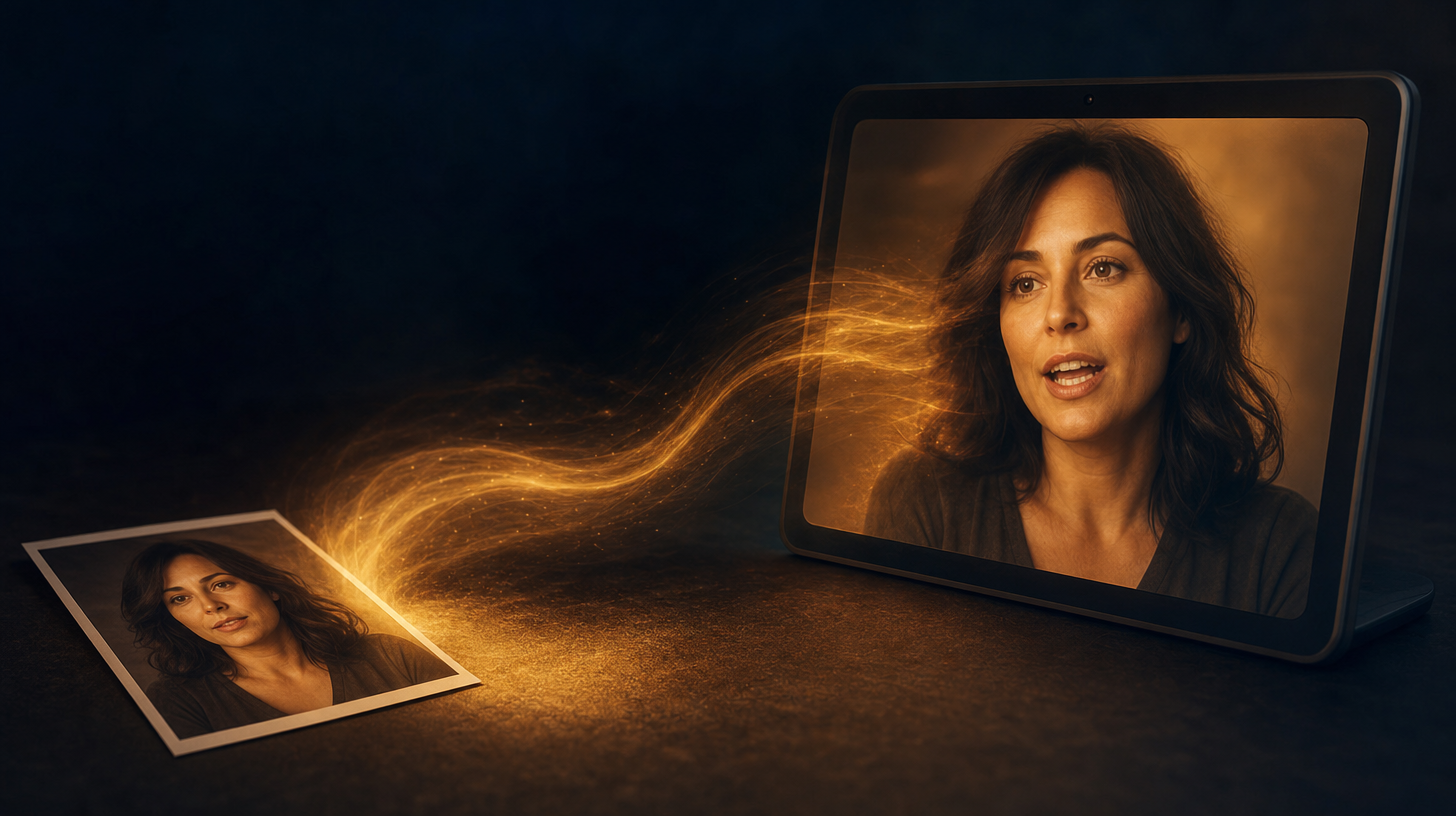
One Photo In, A Talking Clip Out
Start with one still image. The talking photo AI animates the face and adds a voice. A flat portrait becomes a clip that speaks.
No video or rig is needed for this talking photo AI. Add a photo, type the line, and generate. Real-person portraits work, and the result already has sound.
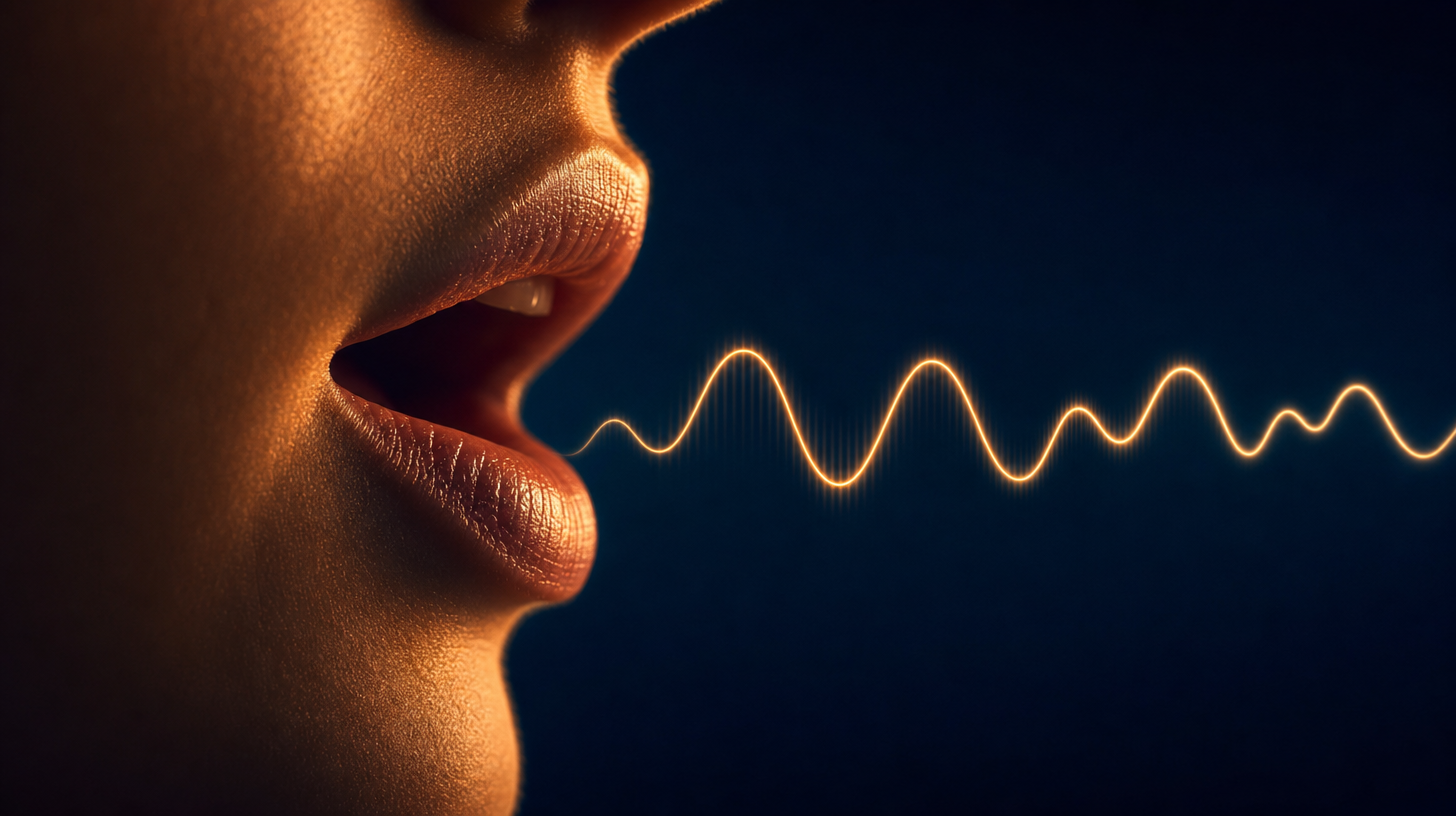
Voice and Mouth Move Together
With this talking photo AI, speech and mouth movement are generated in one pass. The first result is a finished audiovisual draft, no separate dubbing tool needed.
When dialogue is present, the mouth movement comes within that same result from the talking photo AI. You review a clip that already talks and fix the prompt if pacing is off.
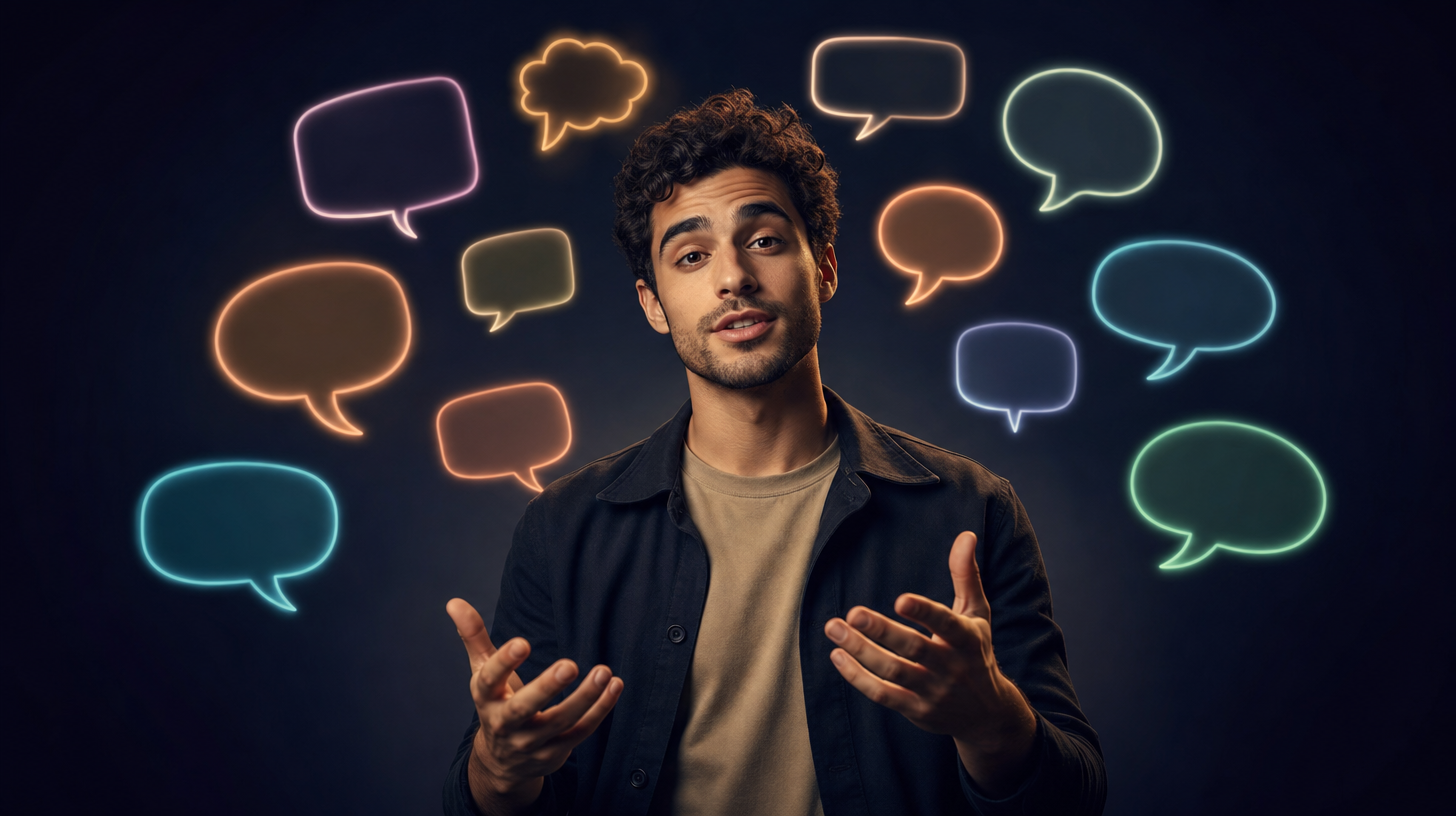
Speak in 8+ Languages
Write your dialogue in English, Japanese, Korean, or Mandarin, and the talking photo AI matches the mouth movement to that language.
The same photo can say a line in one language today and another tomorrow. Set the words in the prompt, and this talking photo AI moves the lips to match.
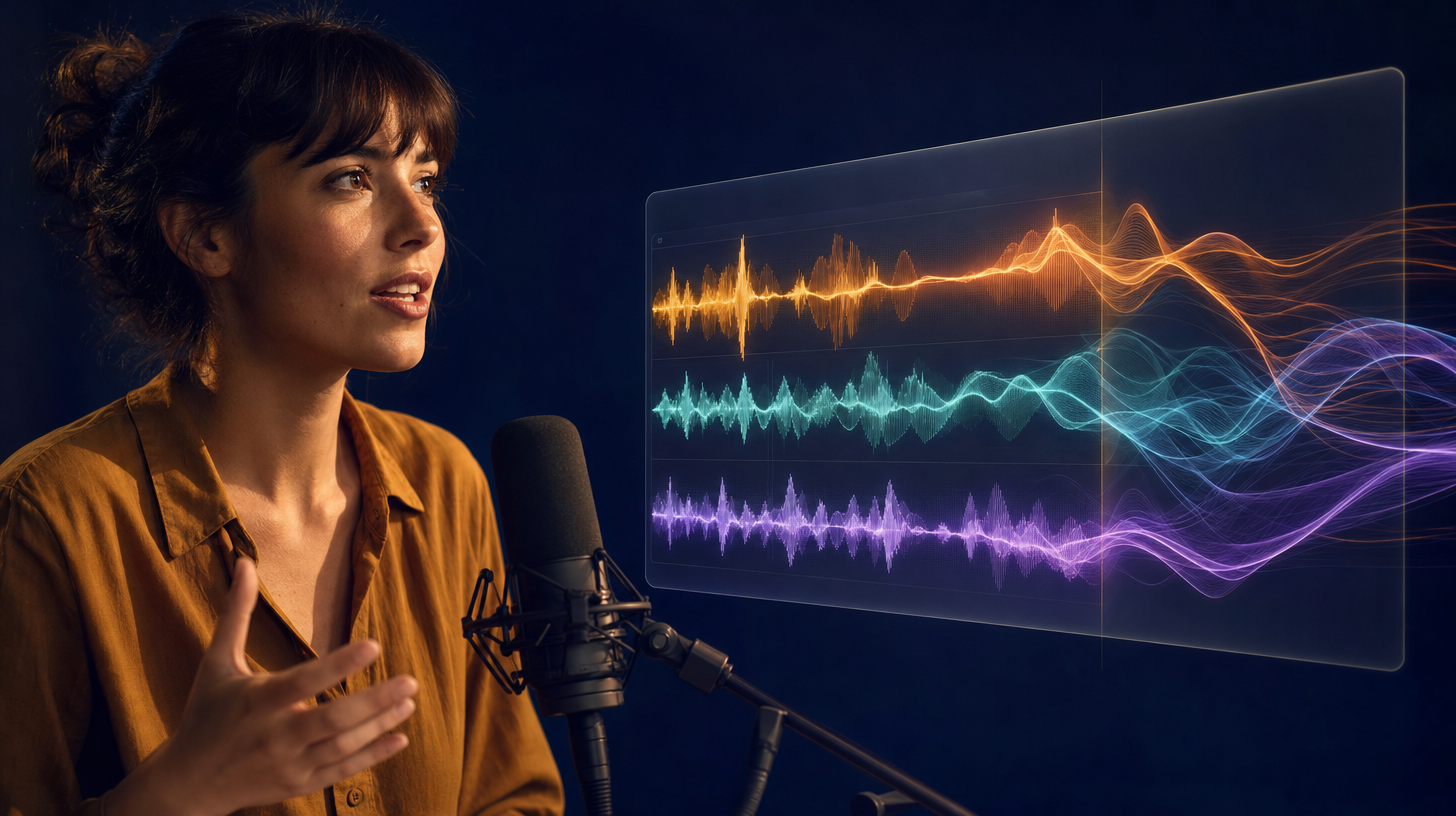
Dialogue, Effects, and Music in One Take
Seedance native audio produces the spoken line with sound effects, ambience, and music. One render from the talking photo AI gives you a mixed soundtrack instead of silence.
You can also add an optional reference image, video, or audio clip for style, pace, or atmosphere. These reference inputs guide the mood in the talking photo AI and pair with your image.
How talking photo AI turns a still image into a spoken clip
Talking photo AI turns a photo into a short video where the subject speaks your lines. On clipdance.ai you upload one image, type the dialogue, and the model generates a synthetic voice with matching mouth movement. The voice comes from your script, not a recording.
Upload One Photo
Bring a single portrait. The talking photo AI reads the face and prepares it to move, and real-person portraits are supported.
Write the Dialogue
Type the exact lines in the prompt. Whatever you write becomes the script the talking photo AI speaks in the clip.
Voice Generated for You
You record nothing. The talking photo AI makes a synthetic voice from your text, then aligns the mouth movement to that voice.
Matching Mouth Movement
Speech and mouth movement are generated together in this talking photo AI. The lips move with the words, and the clip arrives already talking.
Multilingual Talking Photo AI
Write in English, Japanese, Korean, Mandarin, and more. The talking photo AI covers 8+ languages and matches the mouth to the language you picked.
Native Sound in the Mix
Each render can carry the spoken line plus effects, ambience, and music. The talking photo AI hands you a finished-sounding result.
How Talking Photo AI Works
Three steps with talking photo AI, from photo to speech
Upload Your Photo
Open the image-to-video tool and add one image. A clear, front-facing portrait gives the talking photo AI the most to work with.
Write What They Say
In the prompt, write the dialogue word for word so the talking photo AI has a script, then keep Generate Audio on, which is the default. Our Seedance 2 prompt formula guide helps you phrase lines well.
Generate and Review
Press generate. The first result from the talking photo AI is a complete clip with sound. You watch it speak right away, then refine the wording.
Talking Photo AI FAQs
Explore More AI Tools
Discover other AI models and tools available on Seedance 2.0

Start With Talking Photo AI Today
Bring one photo, write a line, and let talking photo AI turn it into a clip that speaks with matching mouth movement. Sign up for free credits, no card required, and make your first talking clip in minutes.
Make My Photo Speak