
GPT Image 2 Image Generator
Generate a new image from text. Upload a photo and rewrite it with a sentence. Add a mask when you need tighter control. GPT Image 2 gives you one workflow for fresh images, revisions, and targeted edits. Free credits on signup.
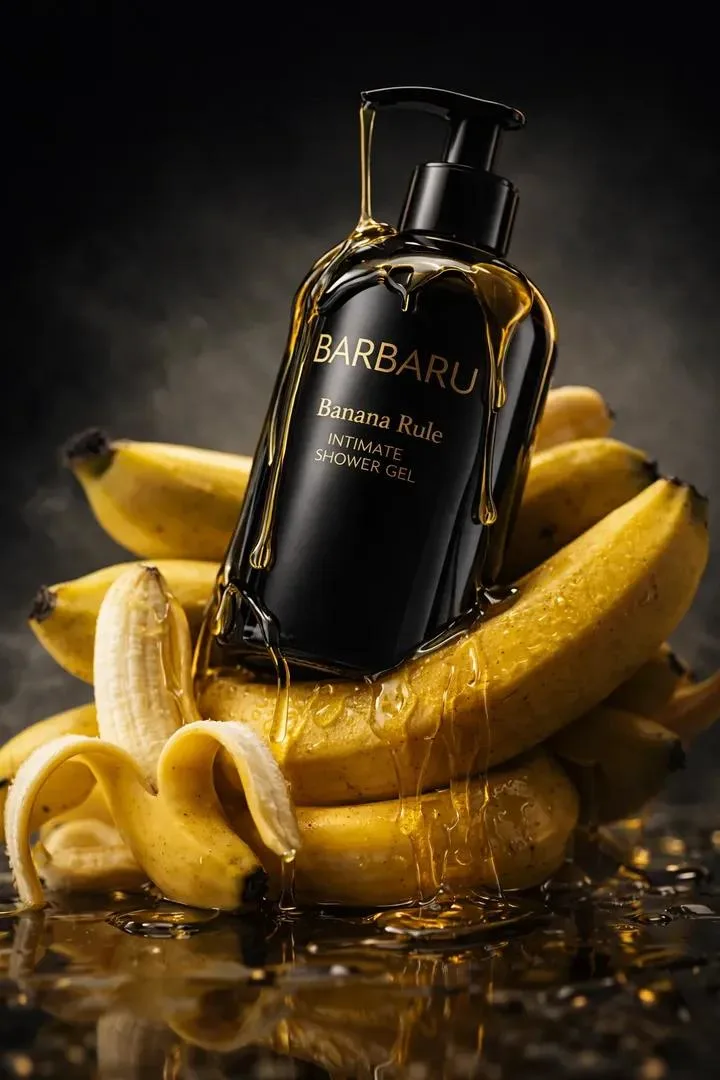
Write the Shot. Or Rewrite the One You Already Have.
Some days you need a blank canvas. Other days you already have the photo, product image, or concept frame and only want one part changed. GPT Image 2 handles both. Start from a text prompt when you need a new visual. Start from an upload when the base image is already close and you want to move faster.
One tool for first drafts, second drafts, and final touch-ups. No bouncing between separate generators and editors.
Natural-Language Image Editing That Feels Direct
Upload a product photo and ask for a darker studio look. Change the outfit, replace the table, remove the extra object, or swap the background from office to beach. GPT Image 2 follows editing instructions in plain English, so the workflow stays simple even when the request is specific.
You describe the change the way you would brief a designer. GPT Image 2 turns that brief into the updated image.
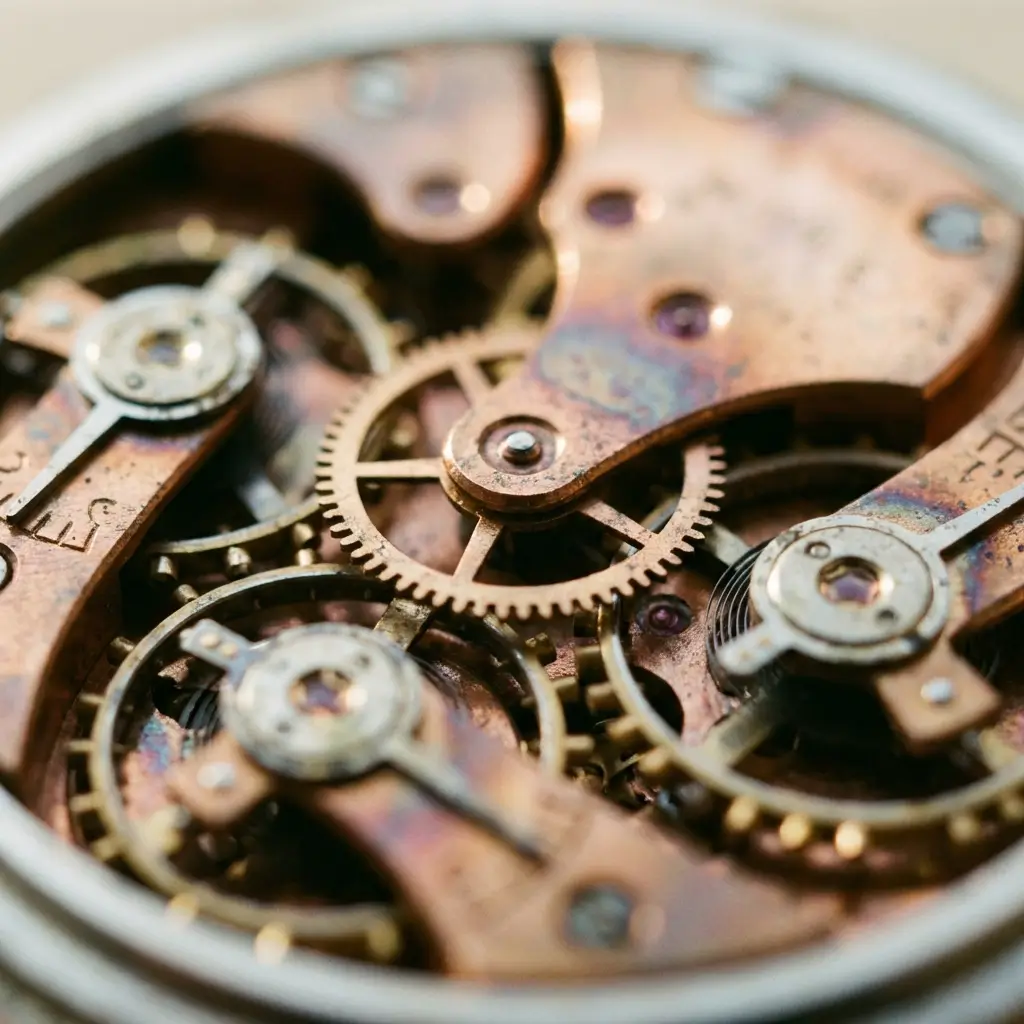
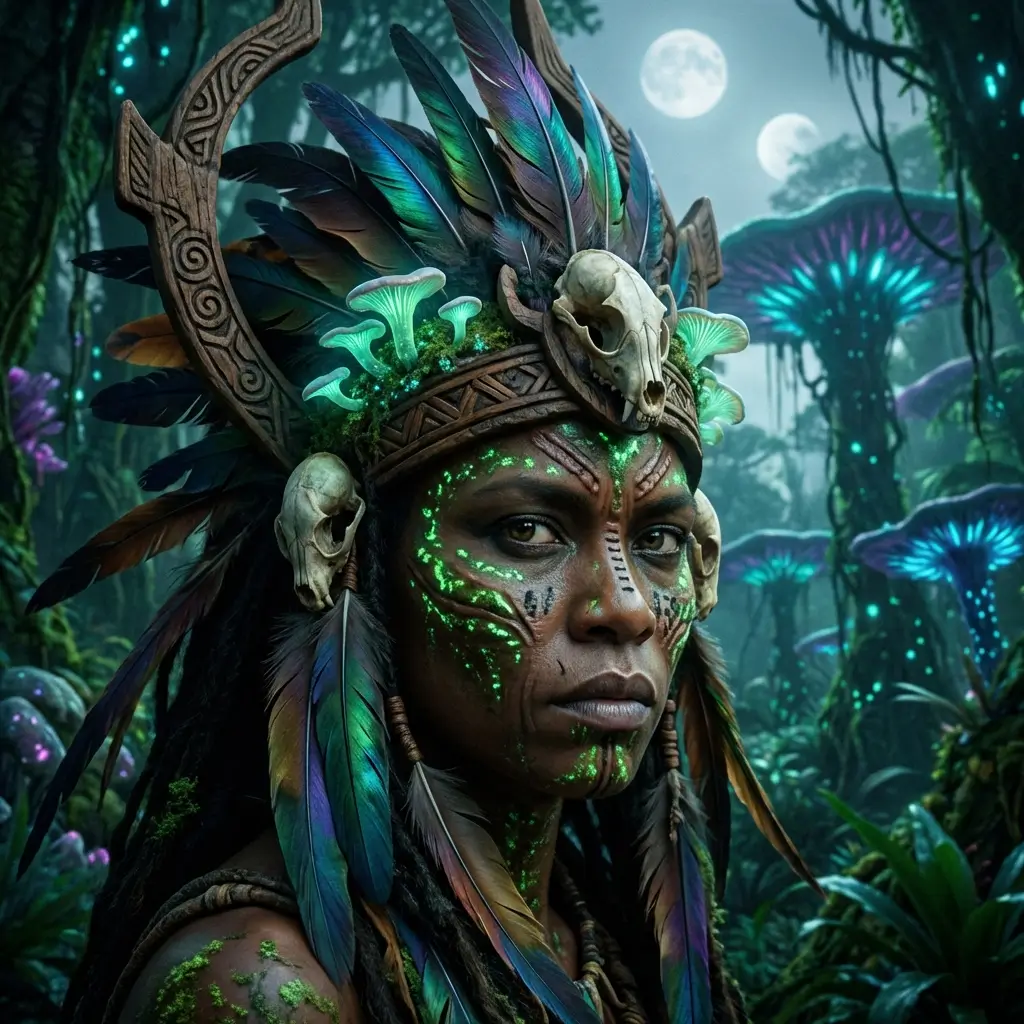
Mask Edits When You Want More Control
Prompt-only editing is fast, but sometimes you need to protect part of the frame. With GPT Image 2 you can upload a mask and tell it exactly where the change belongs. Keep the face. Replace the background. Keep the packaging. Change the label. Keep the room. Redesign the product on the desk.
That makes GPT Image 2 useful for brand work, product variations, and any image where one untouched area matters as much as the new one.
Quality, Aspect Ratio, and Variations Without the Busywork
Square for posts. Vertical for stories. Wide for banners. GPT Image 2 supports the formats creators actually publish, and you can generate up to four options from one prompt when you want choices instead of a single guess. Low for fast drafts. Medium for everyday work. High when the final image needs more polish.
You spend less time regenerating the same idea and more time picking the version worth shipping.
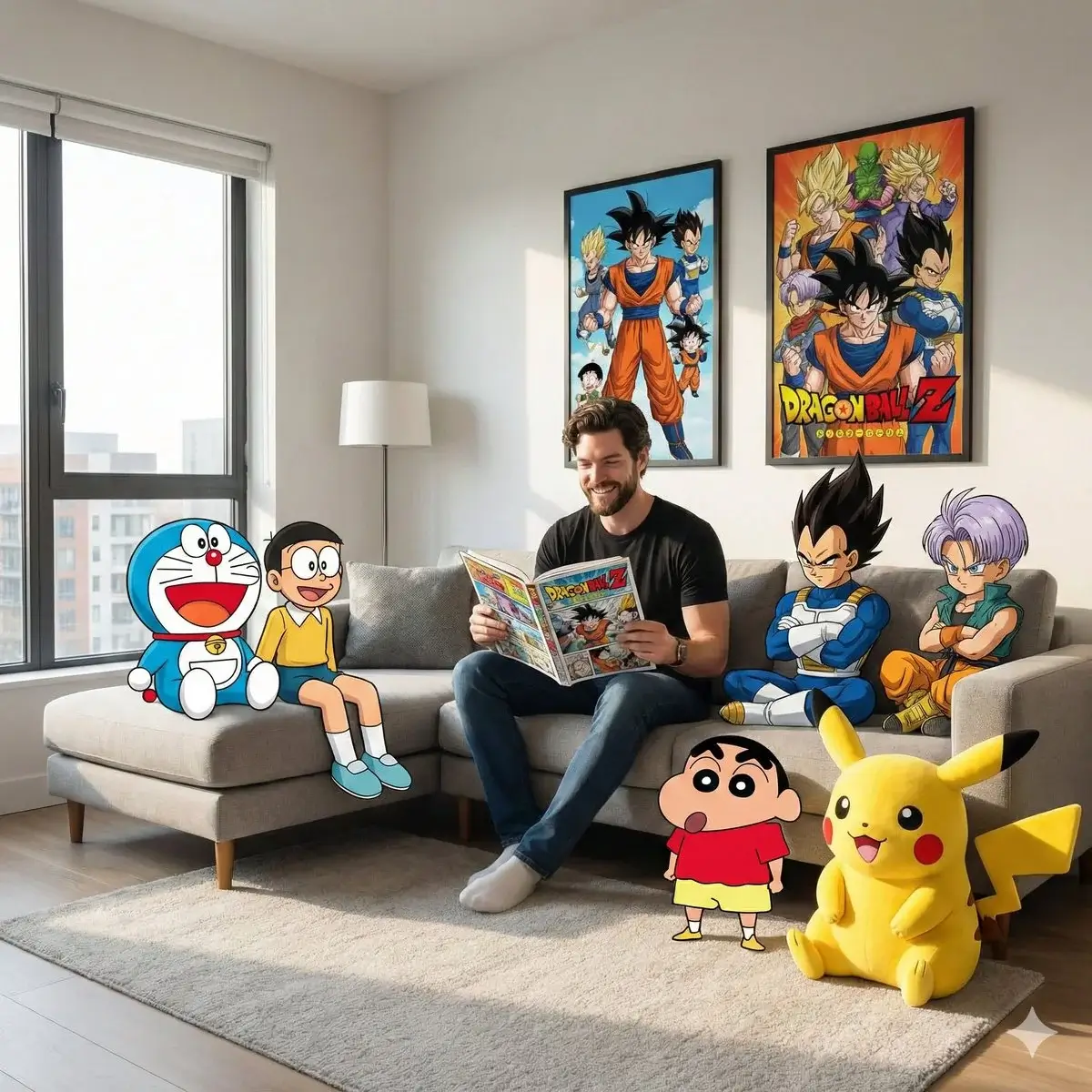
Why People Use GPT Image 2 Instead of Separate Tools
GPT Image 2 is OpenAI's image generation and editing model. It covers text-to-image, image-to-image, and mask-guided edits in one place, so the same workflow can handle ideation, revision, and production-ready updates.
Text-to-Image
Write the scene you want and generate a fresh image from scratch without building a manual workflow around it.
Prompt-Based Editing
Upload an existing image and describe the change in normal language instead of wrestling with layers and selection tools.
Mask Support
Protect the parts you want to keep and limit the edit to the part of the frame that should actually change.
13 Aspect Ratios
Square, portrait, landscape, and ultra-wide formats for feeds, ads, thumbnails, and landing-page visuals.
Up to 4 Variations
Generate multiple options from one request so you can compare composition, lighting, and framing side by side.
Free to Start
Use free credits on signup to test GPT Image 2 on your own prompts, your own photos, and your own editing workflow.
How to Use GPT Image 2
Describe it. Upload it. Refine it.
Start With a Prompt or an Image
Write a prompt when you want a brand-new image. Upload one or more references when you want GPT Image 2 to edit, remix, or build from an existing visual direction.
Choose the Output You Need
Set the aspect ratio for the channel you care about. Pick low, medium, or high quality. Generate up to four versions if you want options instead of one result.
Add a Mask for Targeted Changes
When the change should stay in one area, upload a mask and describe the edit. GPT Image 2 updates the selected region while keeping the rest of the image stable.
GPT Image 2 FAQ
Explore More AI Tools
Discover other AI models and tools available on Seedance 2.0
Create, Edit, and Refine With GPT Image 2
Use GPT Image 2 for text-to-image, prompt-based photo edits, and mask-guided revisions in one place. Free credits on signup.
Try GPT Image 2 Free