
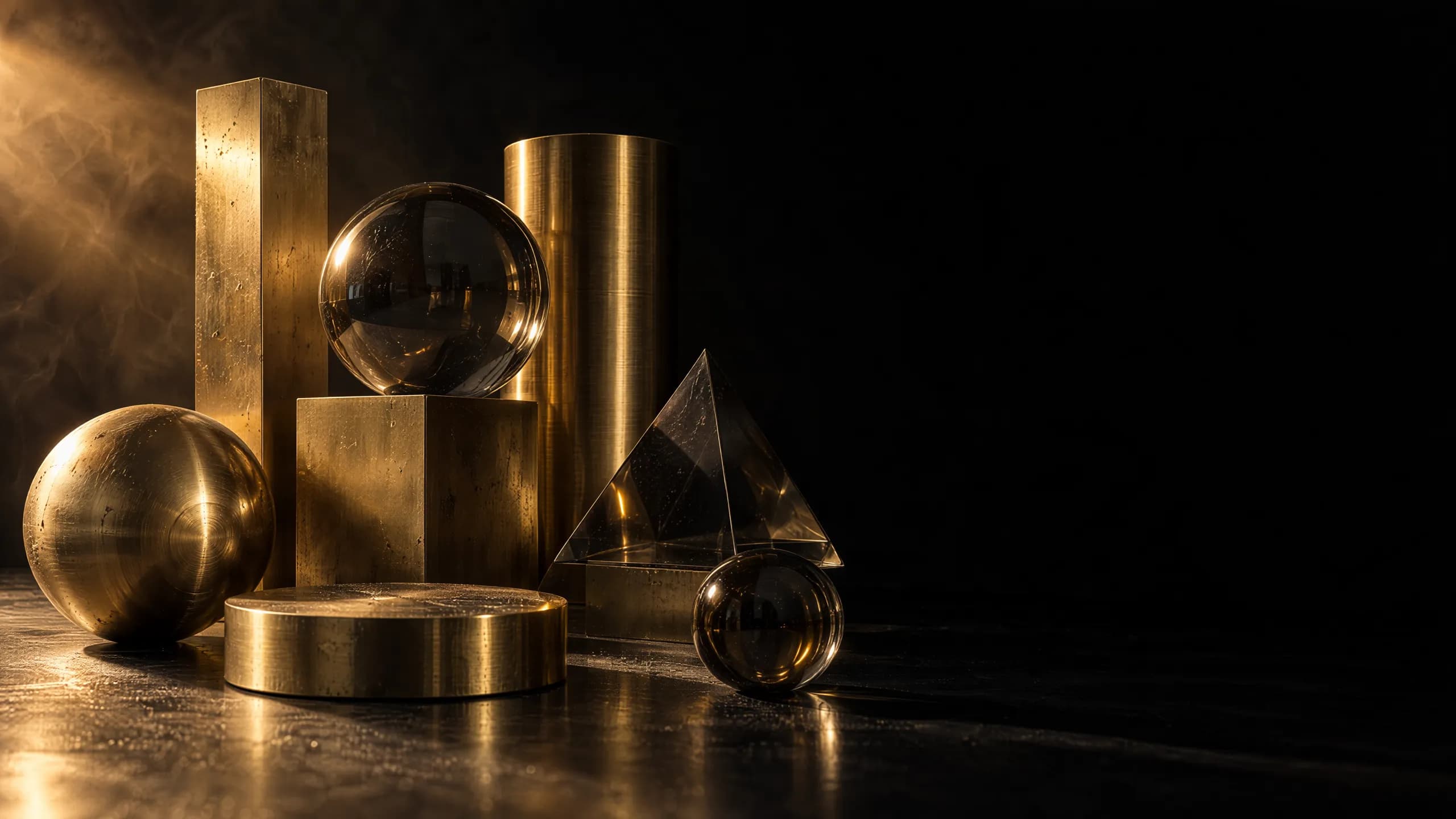
GPT Image 2.5, no API key and no setup
GPT Image 2.5 is OpenAI's newest image model, and this page runs it in a browser tab. Type a prompt or drop in up to 16 references, pick a quality tier, and download a finished frame in seconds.
What is GPT Image 2.5?
GPT Image 2.5 is the image generation and editing model OpenAI shipped on 8 September 2026, in two versions that read exactly the same settings. Flare renders at roughly half the latency of the previous generation and is the one to reach for most days. Sunburst takes longer and holds detail together across a long chain of edits. Both draw text you can actually read, keep faces from your reference photos recognizable, and change only the part of a picture you asked about. On this page GPT Image 2.5 runs on our credits, so there is no OpenAI account, no billing setup and no key to rotate.
- Reference images per edit, plus an optional mask
- 16
- Quality tiers, two of them new above High
- 5
- Up to 8.3 megapixels, any shape between 1:3 and 3:1
- 4K
Every GPT Image 2.5 render is billed by the frame it produces. A 1K draft is 1 credit; the ceiling is reserved for the tiers and sizes that actually need it.
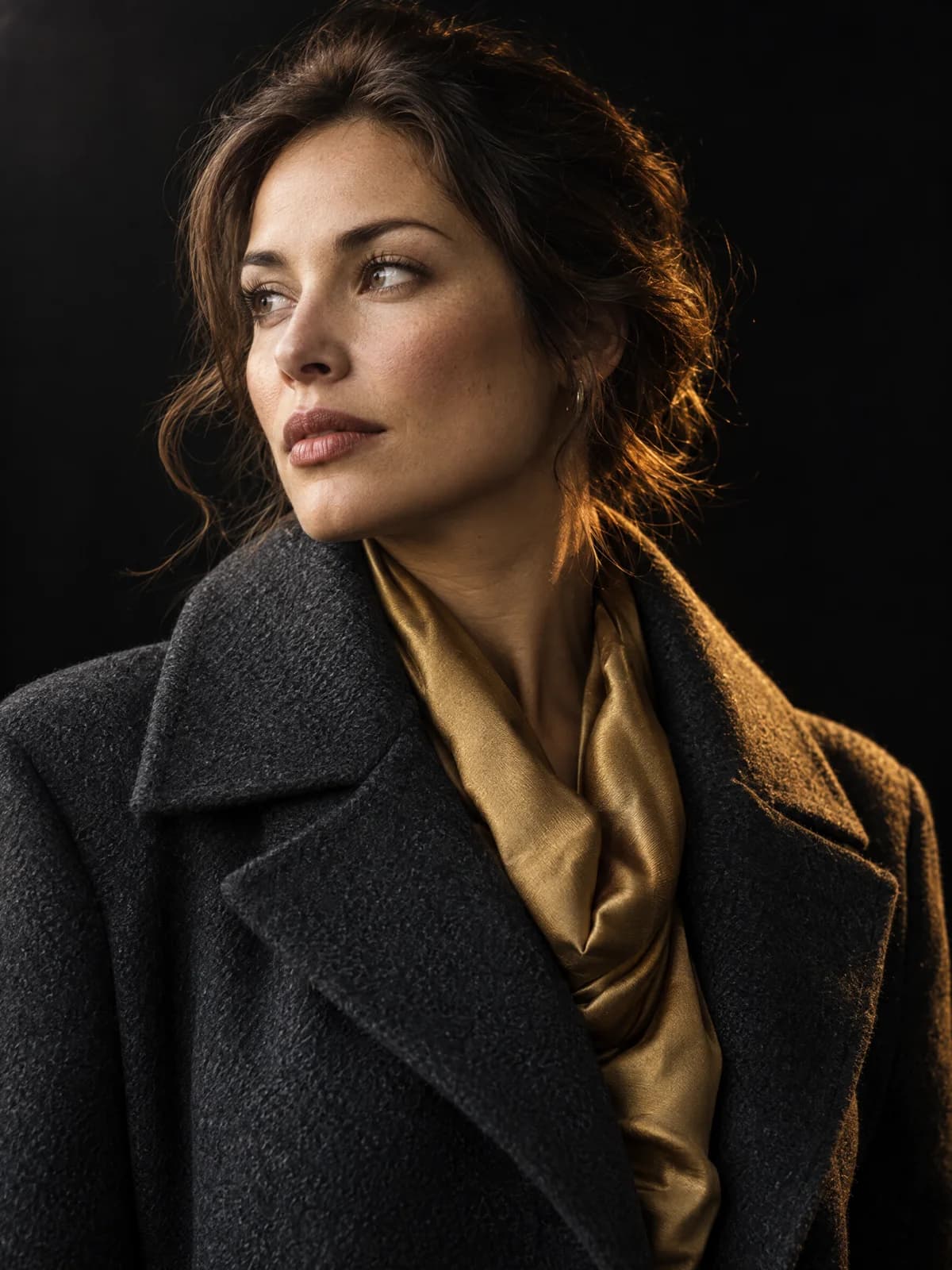
GPT Image 2.5 edits stop where you told them to
The reason to reach for GPT Image 2.5 over a general image model is restraint. Name one object and the rest of the frame survives untouched, including the parts that are hard to regenerate: skin texture, brand type, the grain in a background wall. Chain five edits together and the first four still hold.
Text to image
Describe the frame and pick a shape. Anything from a square avatar to a 3840-pixel banner.
Reference editing
Drop in up to 16 photos. Faces, products and materials come back recognizable rather than reinterpreted.
Masked inpainting
Paint over the region you want replaced and leave everything outside it exactly as shot.
Batches of ten
Ask GPT Image 2.5 for up to 10 variations in one request and keep the one that works.
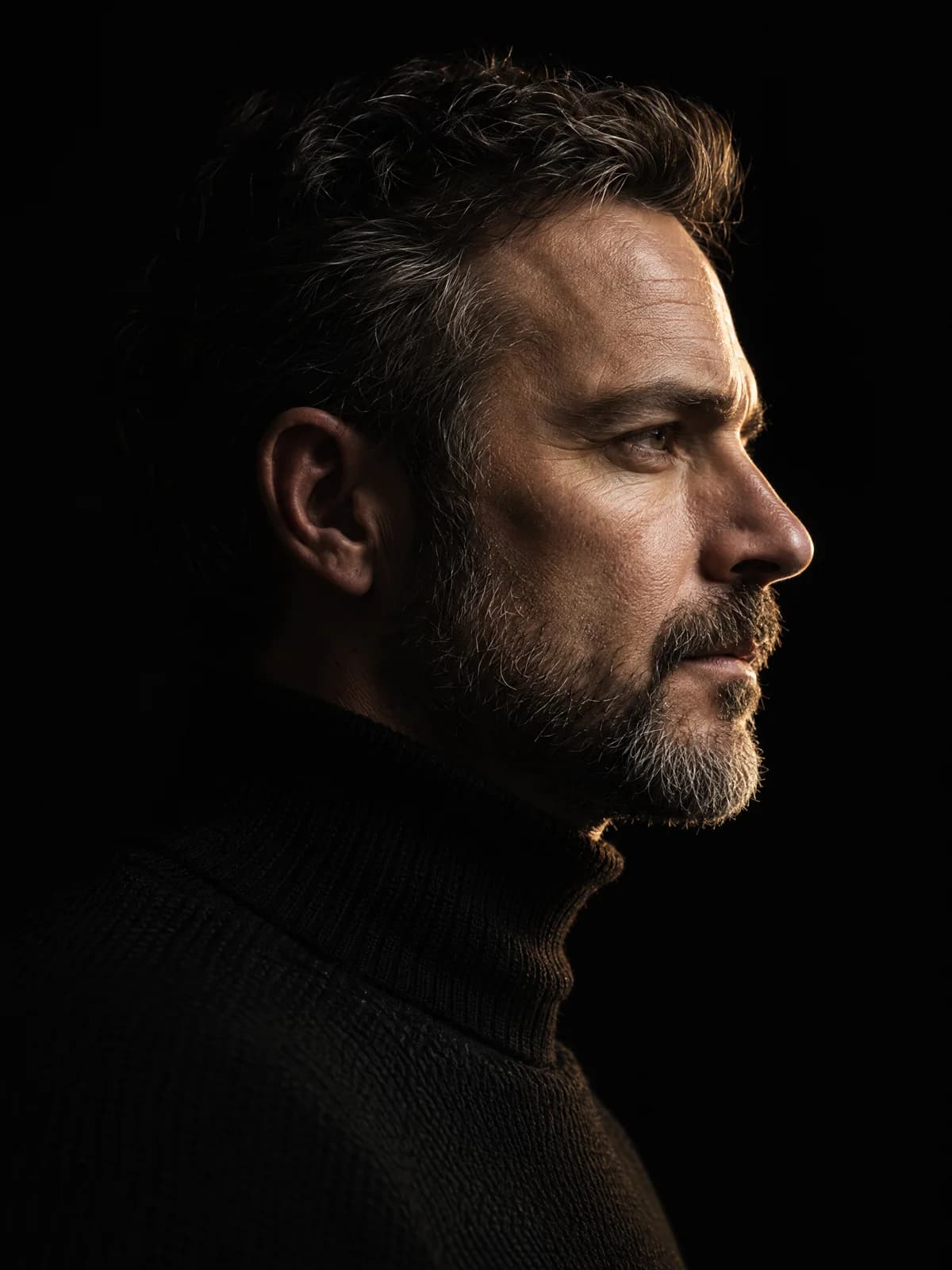
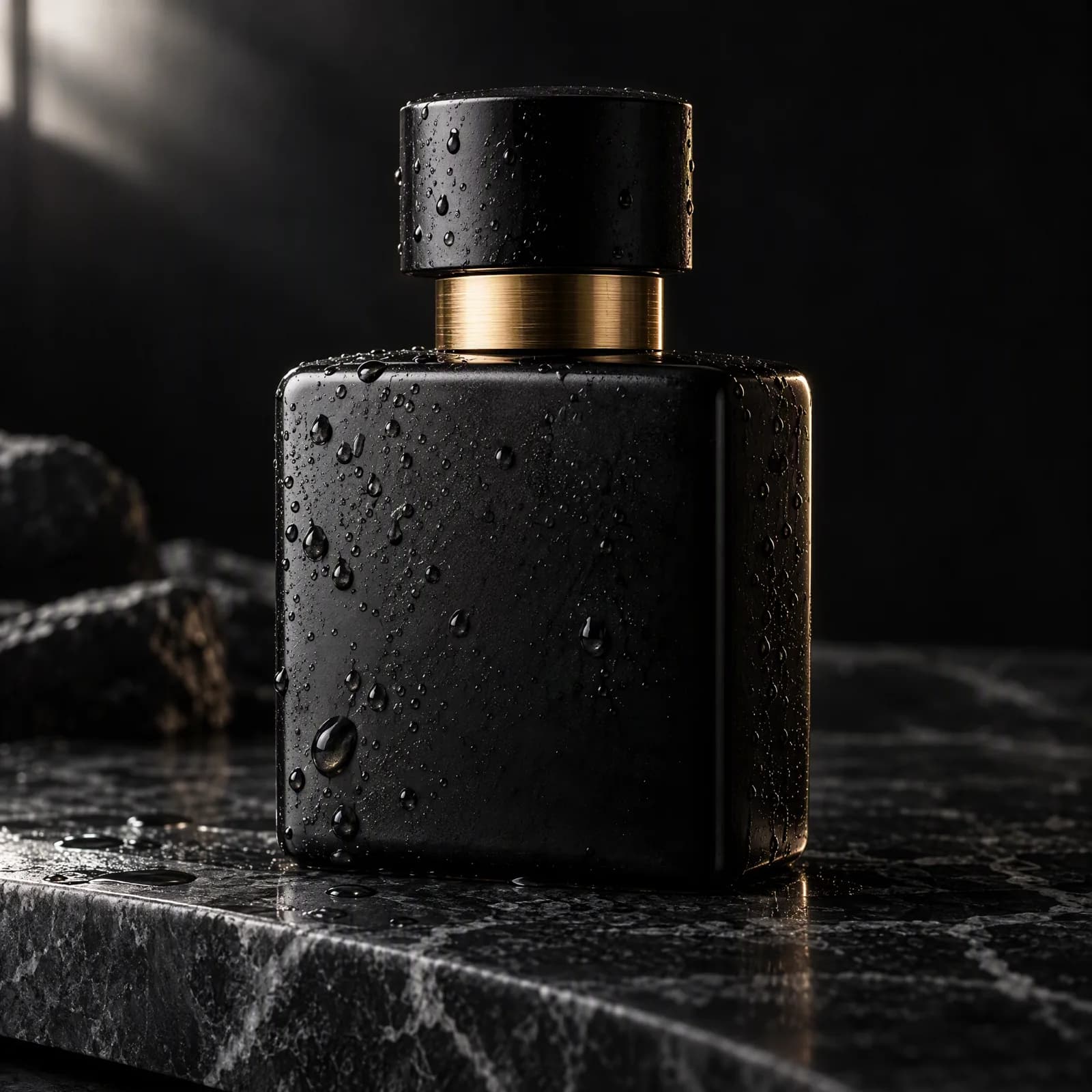
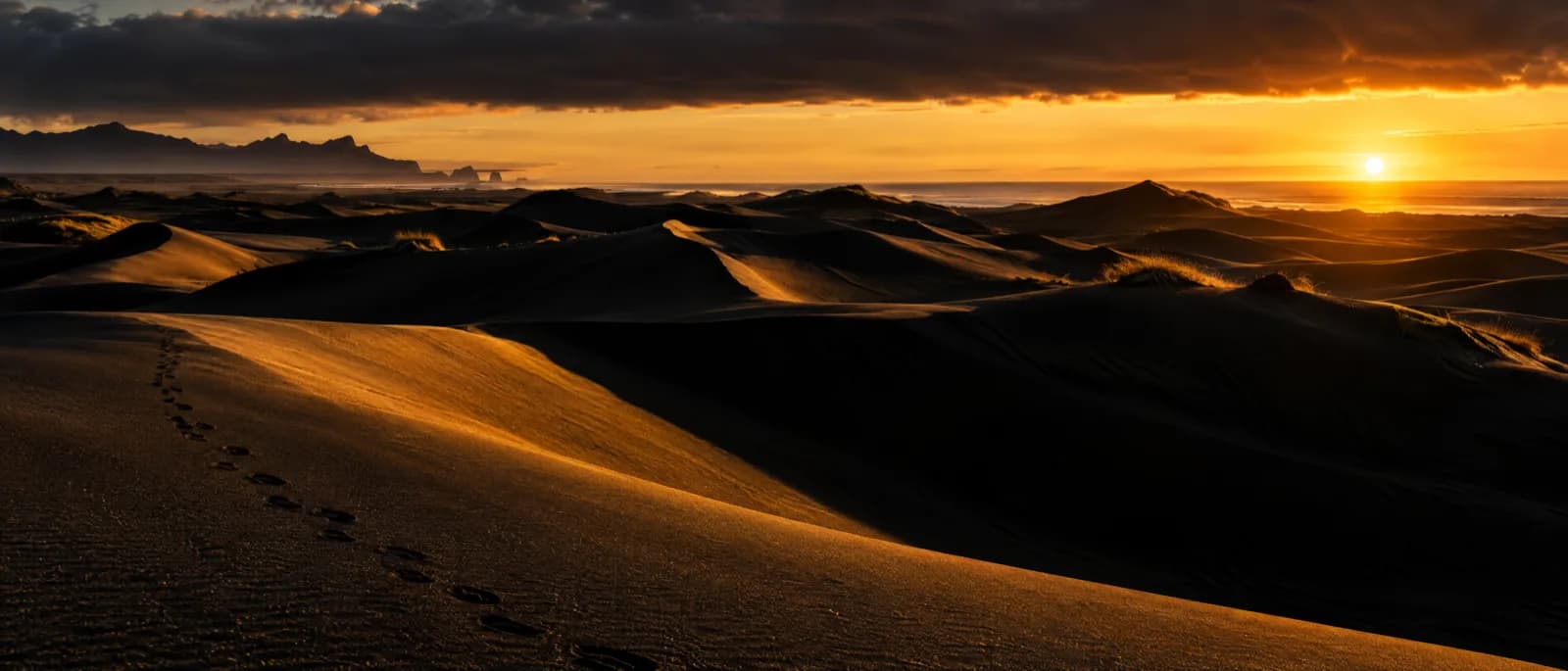
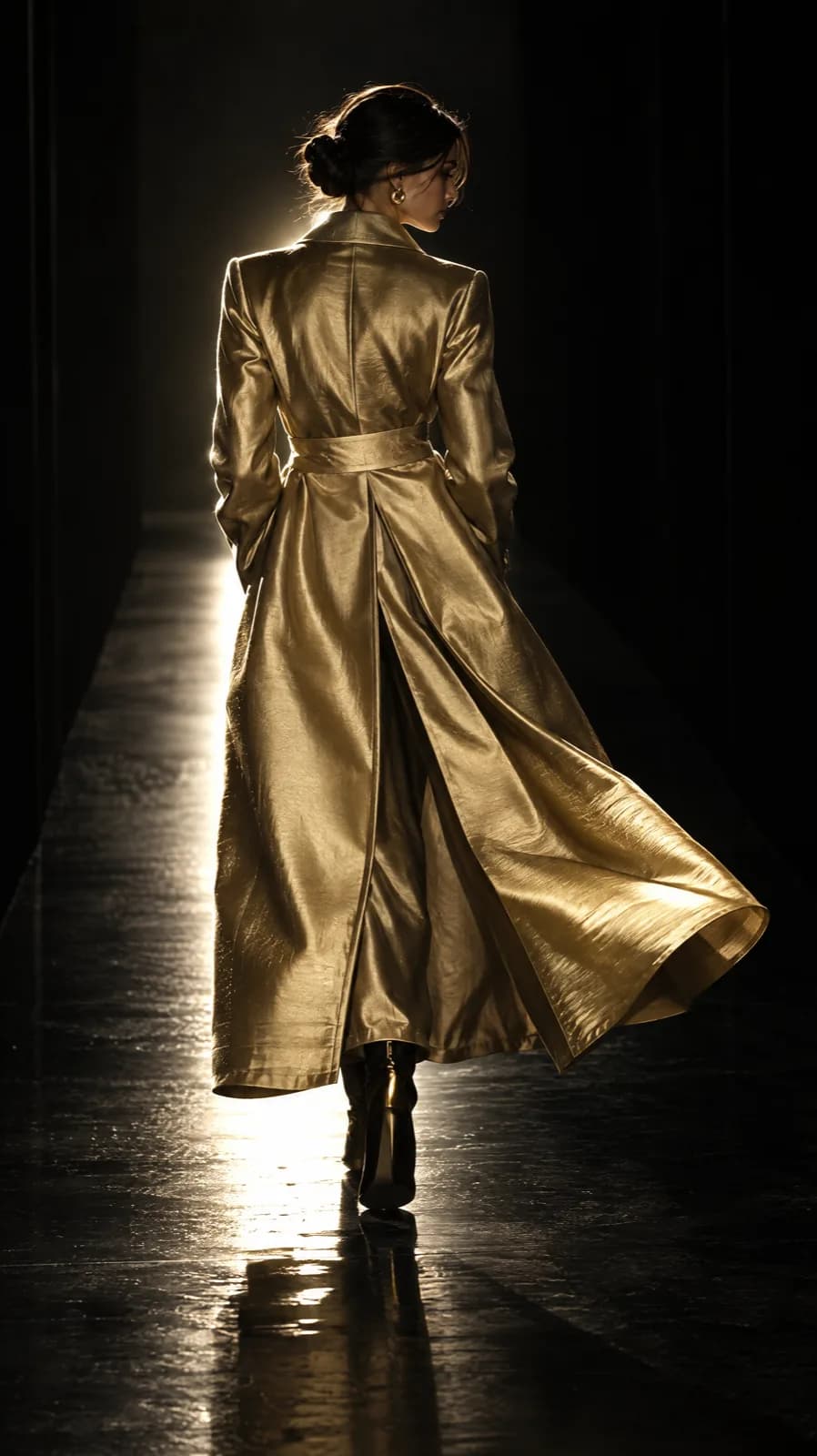
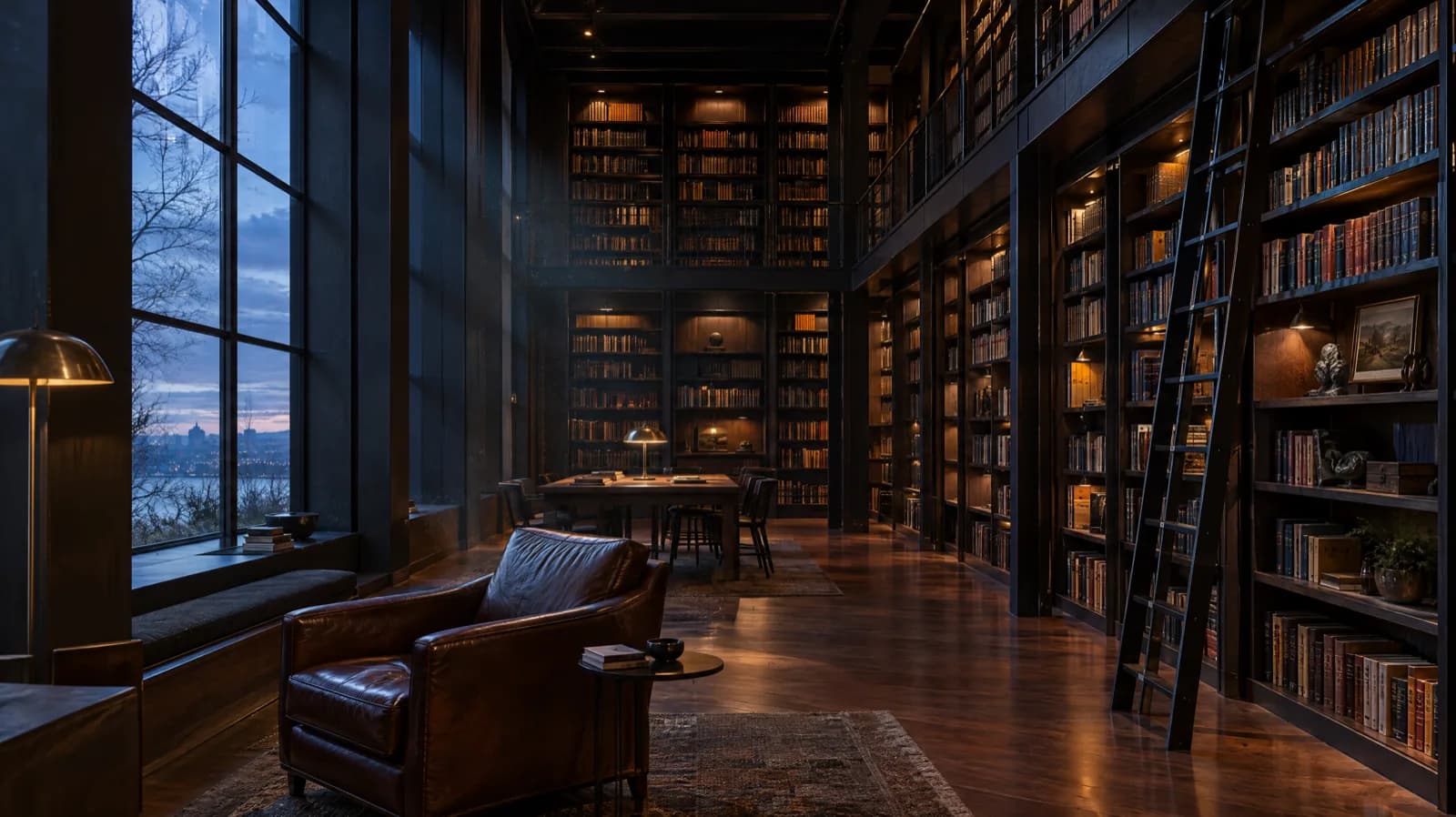
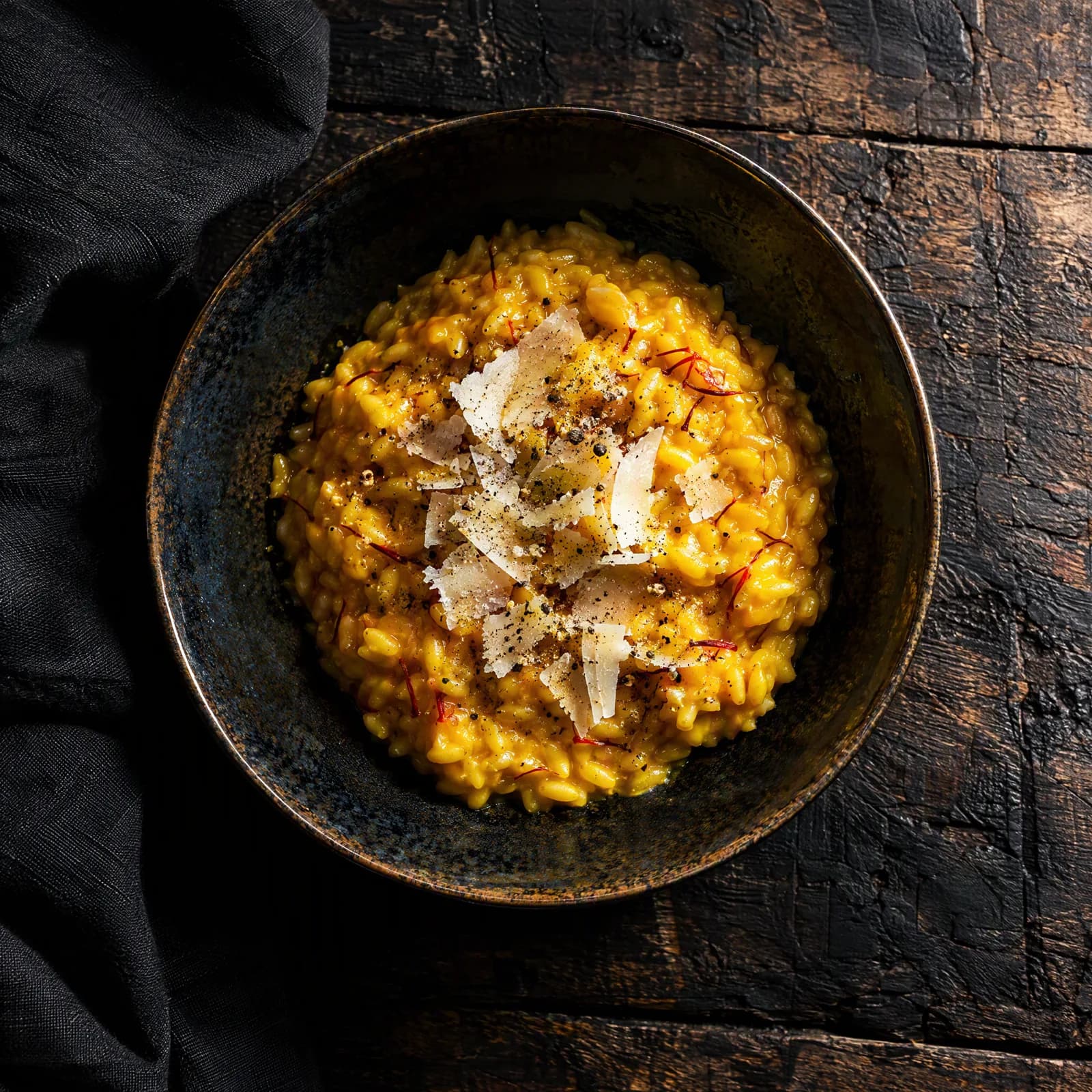
Made with GPT Image 2.5 on this page
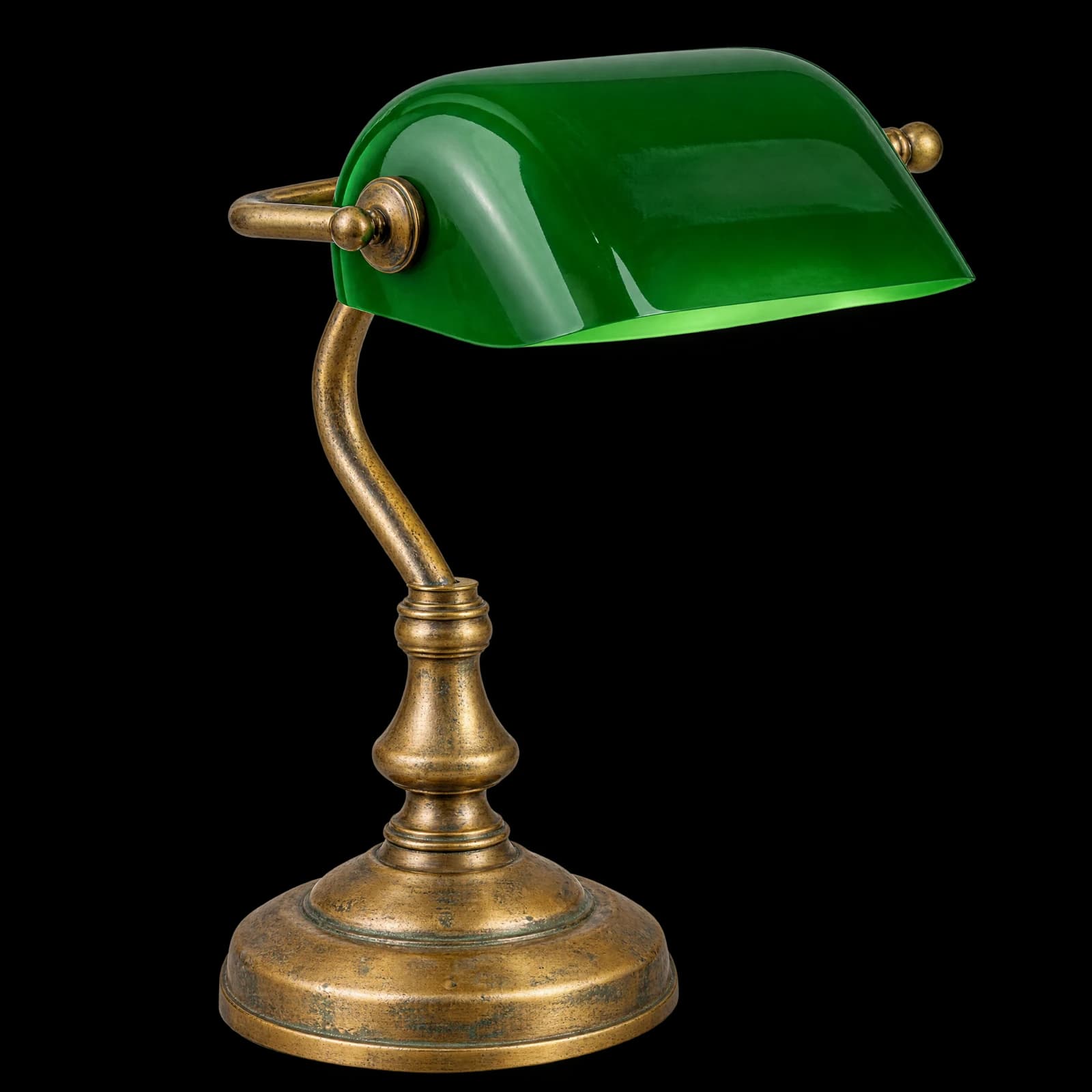
Every frame below came out of the generator above, at the model, tier and size printed on the card. No retouching and no upscaling pass.
Why run GPT Image 2.5 here
The model is the same one OpenAI serves. What changes is everything around it.
What people build with GPT Image 2.5
Six jobs it handles without a round trip through Photoshop.
Product shots
Put the same bottle on six backgrounds. The label stays readable and the lighting follows the new scene.
Cutouts with real transparency
Ask for a transparent background and get a PNG or WebP with a usable alpha channel, ready to drop onto any layout.
Posters with legible type
Headline text lands as text, not as the melted lettering earlier image models produced. Set a 3:1 frame and it still holds.
A character across a series
Feed the same face in as a reference on every render and the series reads as one person rather than five cousins.
Targeted retouching
Remove the cable, change the shirt colour, swap the sky. A mask confines the edit and the rest of the pixels are left alone.
One asset, every aspect ratio
Re-render the same idea at 9:16, 1:1 and 16:9 instead of cropping and hoping the composition survives.
How to use GPT Image 2.5
Four steps, and the third one is where the money is.
Write the prompt
Say what should be in the frame. For an edit, name only what changes and leave the rest unsaid.
Add references
Optional. Up to 16 images, plus a mask if the edit needs to be confined to one region.
Pick tier and size
Low for thumbnails and layout tests, High for anything client-facing, Max when the detail is the whole point.
Generate and download
Frames arrive in seconds and stay in your library as PNG, JPEG or WebP.
GPT Image 2.5 questions
Short answers, and the numbers behind them.
Generate your first GPT Image 2.5 frame
Free credits on signup. No API key, no card, no setup. Pick a tier and start.