
New model — live now
Grok Imagine 2.0 Image GeneratorSharp text and real layouts, in one pass
Turn a prompt or a stack of reference photos into poster-grade images with the text already right. Grok Imagine 2.0 — xAI's newest image model — renders up to 12 images per request at 1K or 2K, from 1 credit each.
Made With Grok Imagine 2.0
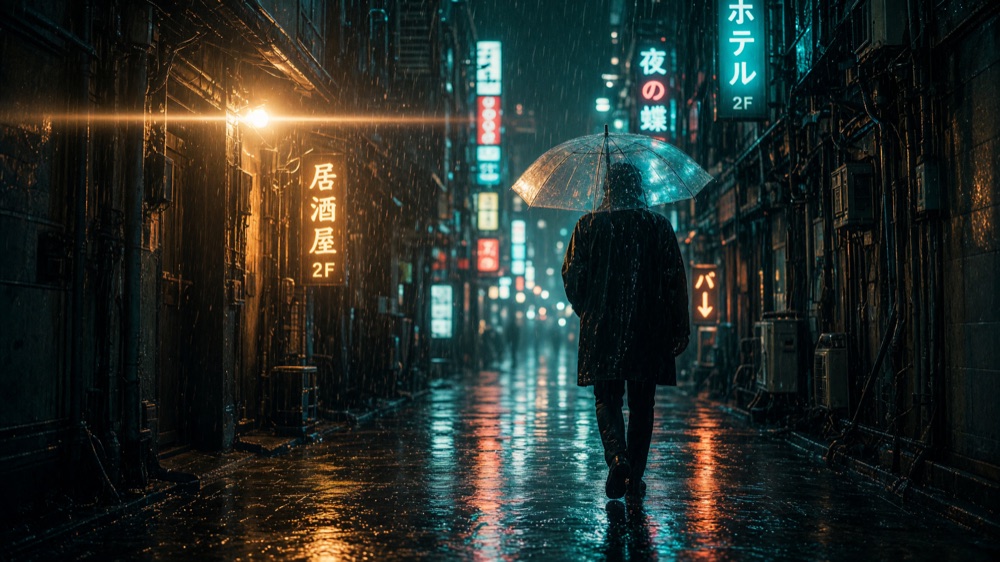
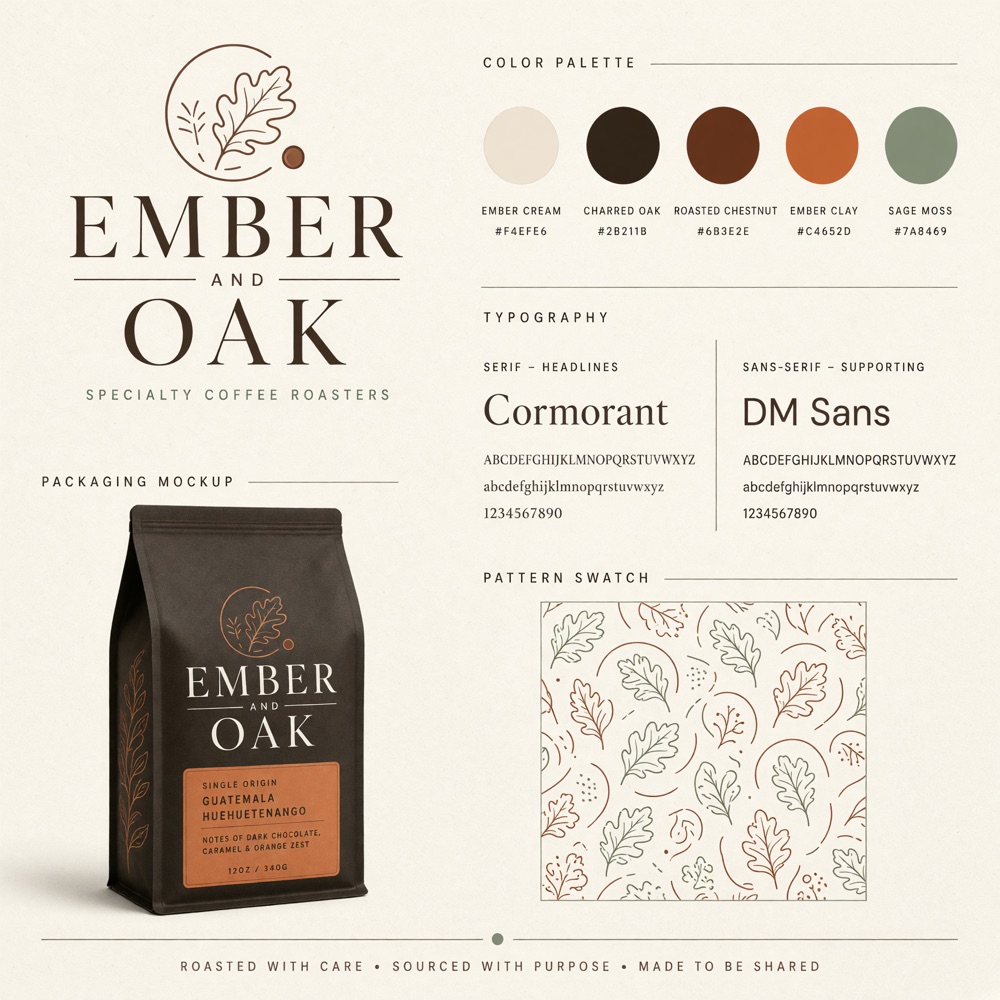
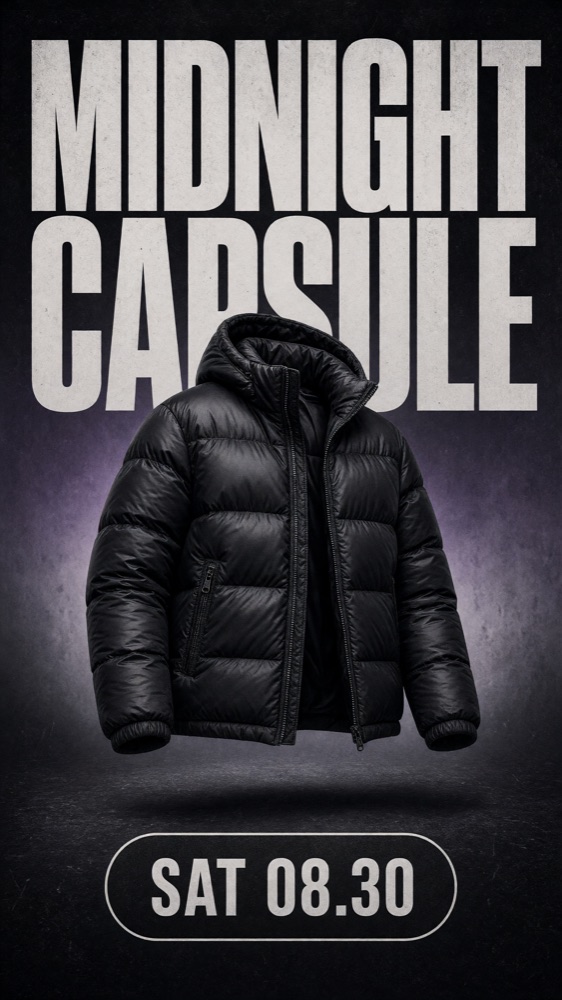
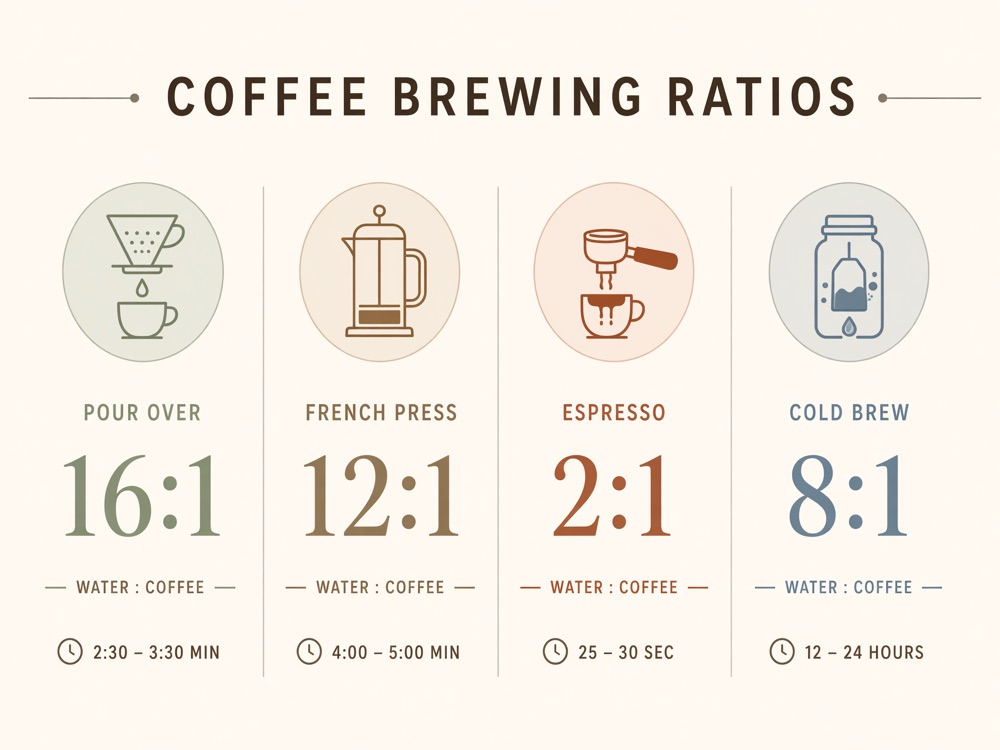
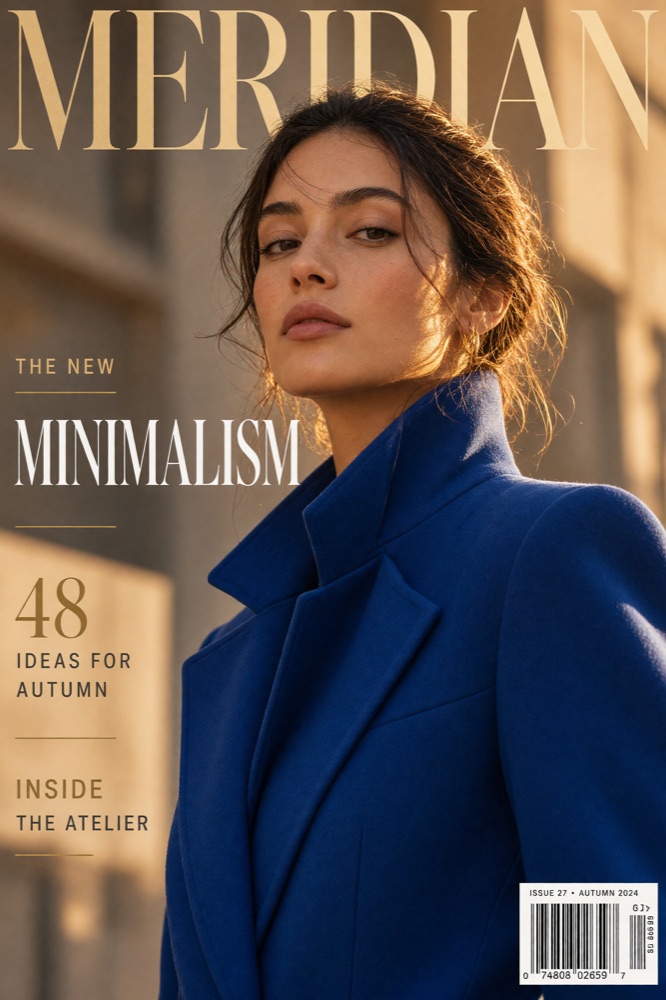
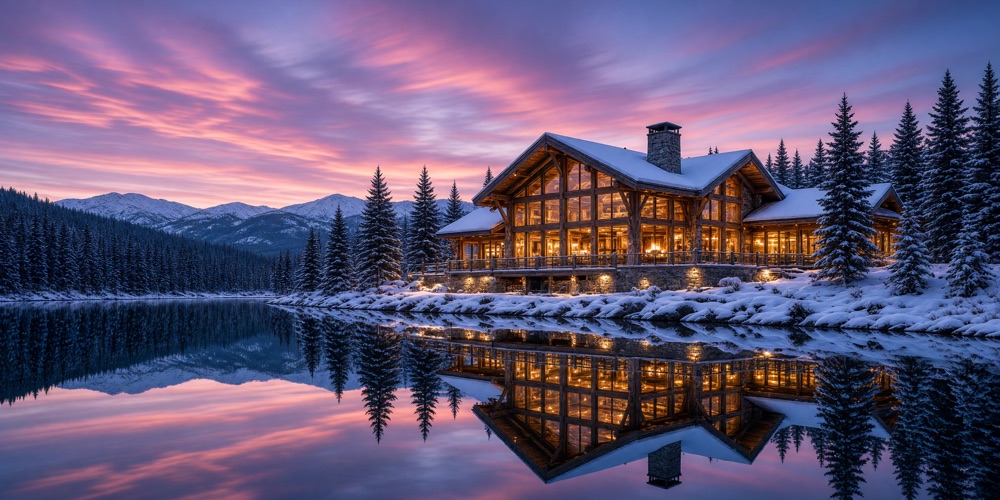
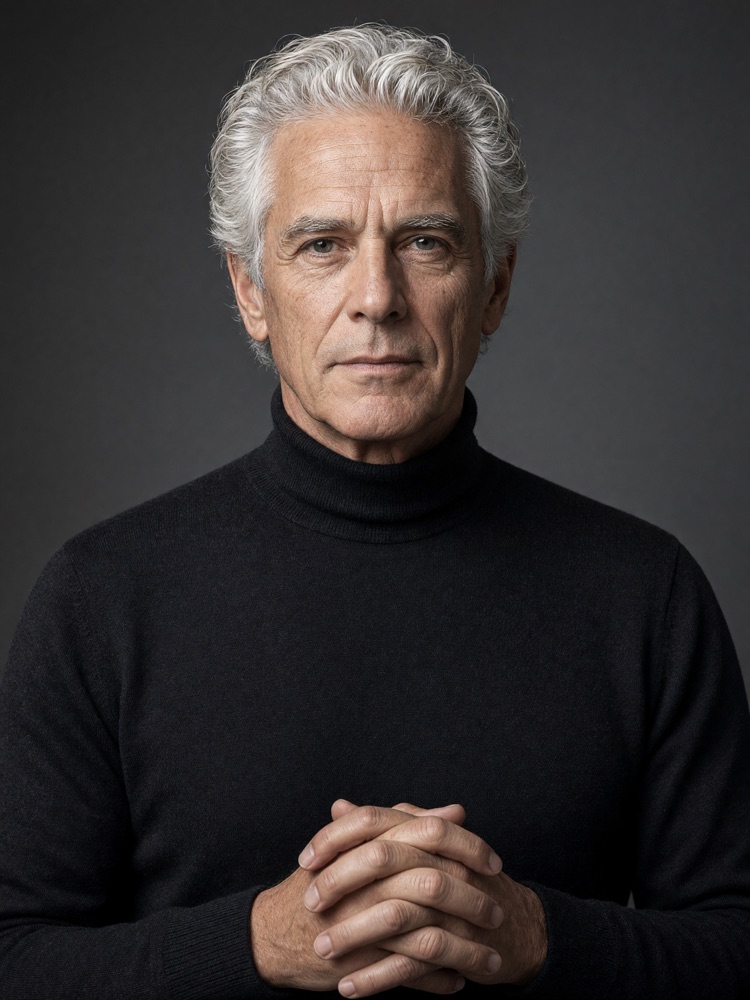
Every image below came from the same Grok Imagine 2.0 you get in the studio — one prompt each, no retouching, captions describe the ask.
What Is Grok Imagine 2.0?
Grok Imagine 2.0 is xAI's second-generation image model, released on August 7, 2026 as the Quality Mode behind grok.com. It generates images from text, edits them from reference photos, and xAI reports Grok Imagine 2.0 ranked second worldwide in both text-to-image and image editing on the Arena leaderboards at launch. On clipdance.ai, Grok Imagine 2.0 runs without a Grok subscription: 14 aspect ratios, 1K or 2K output, up to 12 images per request, and a 1K render costs a single credit.
- aspect ratios, square to 20:9 panoramic
- 14
- reference photos per editing request
- 10
- images from a single prompt
- 12
Pricing follows resolution only: every Grok Imagine 2.0 render costs 1 credit at 1K or 2 credits at 2K. Aspect ratio and quality settings never change the price.
Typography That Survives Generation
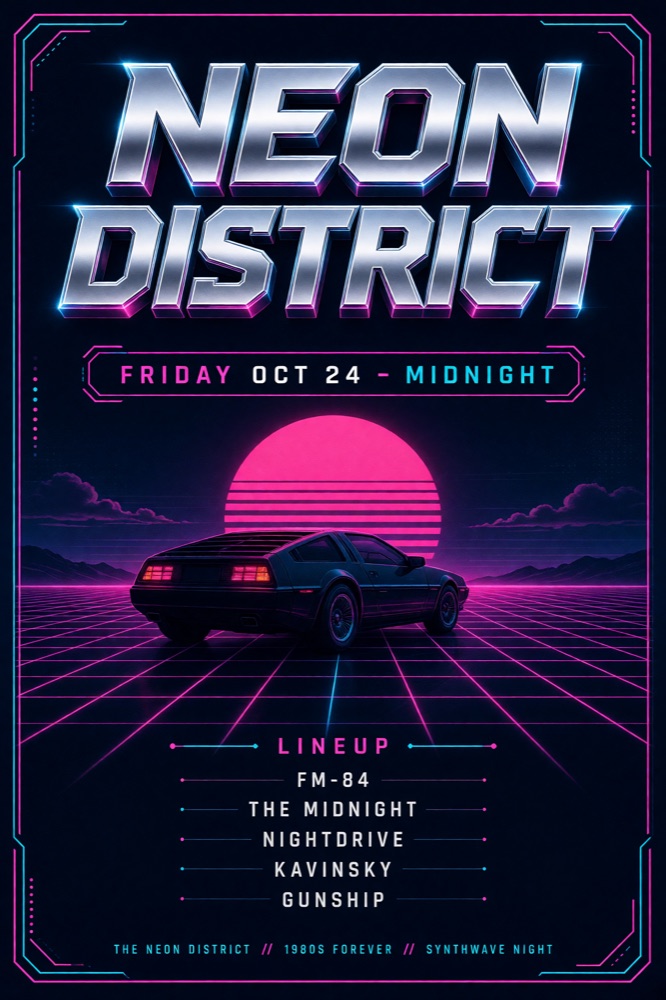
Most models melt small type. Grok Imagine 2.0 plans layout the way a designer would, so posters, menus, cover lines, and labels come out sharp and correctly spelled. The lineup poster here came out of Grok Imagine 2.0 exactly as you see it — no retouching.
Text to Image
Describe the shot, pick a ratio, and get up to 12 options in one run.
Reference Editing
Upload up to 10 photos and tell Grok Imagine 2.0 how to restyle, combine, or extend them.
Poster & Layout Work
Headlines, lineups, price tags, cover lines — dense layouts that stay legible.
Batch Variations
Render a dozen takes on one prompt and keep the one that lands.
Why Run Grok Imagine 2.0 Here
The same Grok Imagine 2.0 that powers grok.com's Quality Mode — on different terms.
What Creators Make With Grok Imagine 2.0
Grok Imagine 2.0 was built for images you can ship, not just concept art. These are the jobs it handles well.
Event Posters
Dense type over art direction — headlines, dates, and lineups that stay readable at print size.
Product Shots
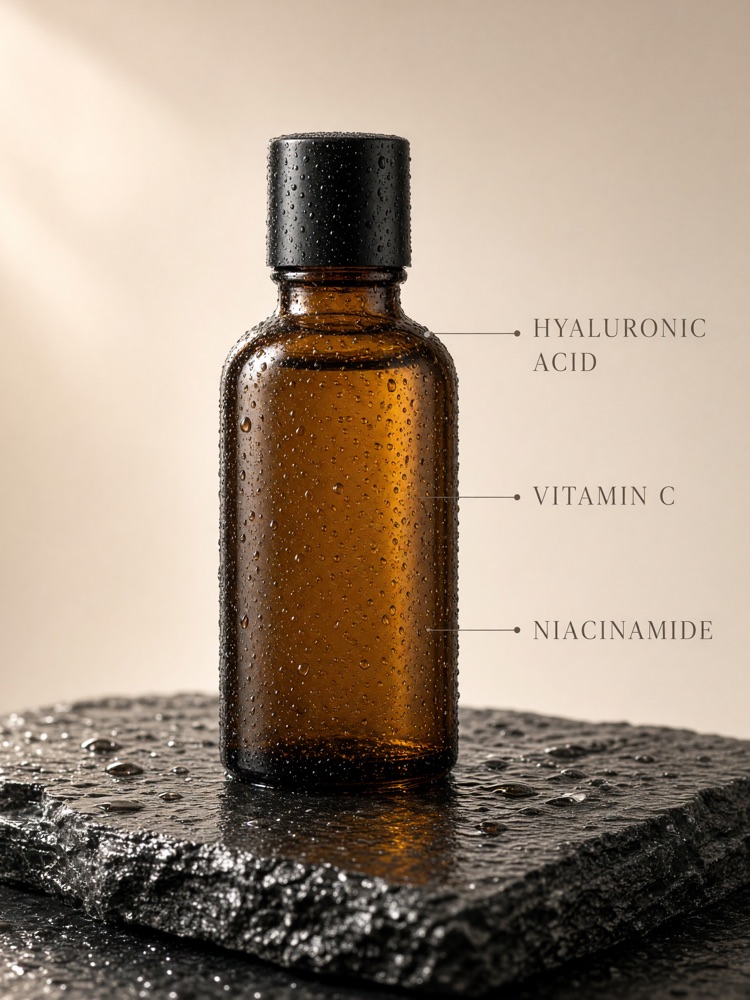
Studio-grade e-commerce images with ingredient callouts and label text intact.
Editorial Covers
Magazine-style covers with mastheads, cover lines, and a barcode if you ask for one.
Social Graphics
Vertical stories and drop announcements sized for every feed, 9:16 to 20:9.
Infographics
Charts and comparison layouts where the small text stays sharp and correctly spelled.
Photo Editing
Feed Grok Imagine 2.0 up to 10 reference photos and describe the change in a sentence.
How to Use Grok Imagine 2.0
Prompt to download in four steps — Grok Imagine 2.0 is free to try with signup credits.
Write the prompt
Describe subject, style, and any text you want rendered — up to 10,000 characters.
Frame it
Pick one of 14 aspect ratios, then 1K or 2K resolution.
Generate
Grok Imagine 2.0 renders up to 12 images per request — or add reference photos to edit instead.
Download
Full-resolution files, yours for commercial use.
Grok Imagine 2.0 FAQ
Pricing, capabilities, and how this differs from the Grok apps.
Try Grok Imagine 2.0 Free
Free credits on signup. A 1K render from Grok Imagine 2.0 costs 1 credit — no Grok subscription, no monthly plan.