
Kling 3.0 Motion Control: A Repeatable Workflow for Stable Characters
Use Kling 3.0 motion control to stop character drift, direct multi-shot prompts, lock identity, test character edits, and troubleshoot failed motion.
Kling 3.0 motion control works best as a directing workflow, not as a magic “motion strength” slider. Decide what must move, what must remain fixed, how the camera behaves, and where the shot must end. Then choose the Kling mode that gives that decision the strongest visual constraint.
ClipDance currently exposes no separate motion-control panel or motion-reference-video upload for Kling V3 or O3. Control comes from prompts, endpoint images, character references, or a prompt-directed video edit.
Start with the control surface you actually have
Kuaishou’s Kling 3.0 materials describe a wider product family, including multi-shot and multimodal workflows. Availability differs by interface, so check the selected ClipDance model and mode first.
| Goal | Current ClipDance route | Useful controls | Boundary to remember |
|---|---|---|---|
| Create motion from a description | Kling V3 or O3 text-to-video | Prompt, 5 or 10 seconds, aspect ratio, quality, optional audio | No source frame and no dedicated motion-strength control |
| Animate a fixed composition | Kling V3 or O3 image-to-video | Starting image, optional ending image, prompt, 5 or 10 seconds, quality | The frames constrain endpoints, not every in-between pose |
| Keep a person or visual style recognizable | Kling O3 reference-to-video | One to four reference images, prompt, aspect ratio, 5 or 10 seconds | References guide identity or style; they do not define a motion path |
| Change an existing clip | Kling O3 video edit | Source video, edit prompt, quality | The current edit mode has no reference-image field |
Kling V3 also exposes a negative-prompt field and a CFG scale from 0 to 1; the interface describes lower CFG values as more creative. Neither control is a direct motion-intensity setting. Kling O3 currently exposes neither field. Both models offer Standard (720p) and Pro (1080p) quality.
See the Kling V3 generator, and trust its live selector if it differs from this August 13, 2026 snapshot.
Split one prompt into four directing decisions
Write an inspectable motion prompt in this order:
- Subject lock: who or what must remain recognizable.
- Action and intensity: one physical action, its speed, and its endpoint.
- Camera instruction: one camera behavior that does not contradict the action.
- Preservation instruction: details that must not drift.
A reusable pattern is:
[Subject and starting pose]. [One action at a defined intensity, ending in a visible state]. [One camera move or a locked camera]. [Background movement]. Preserve [identity, clothing, prop, framing, or lighting].
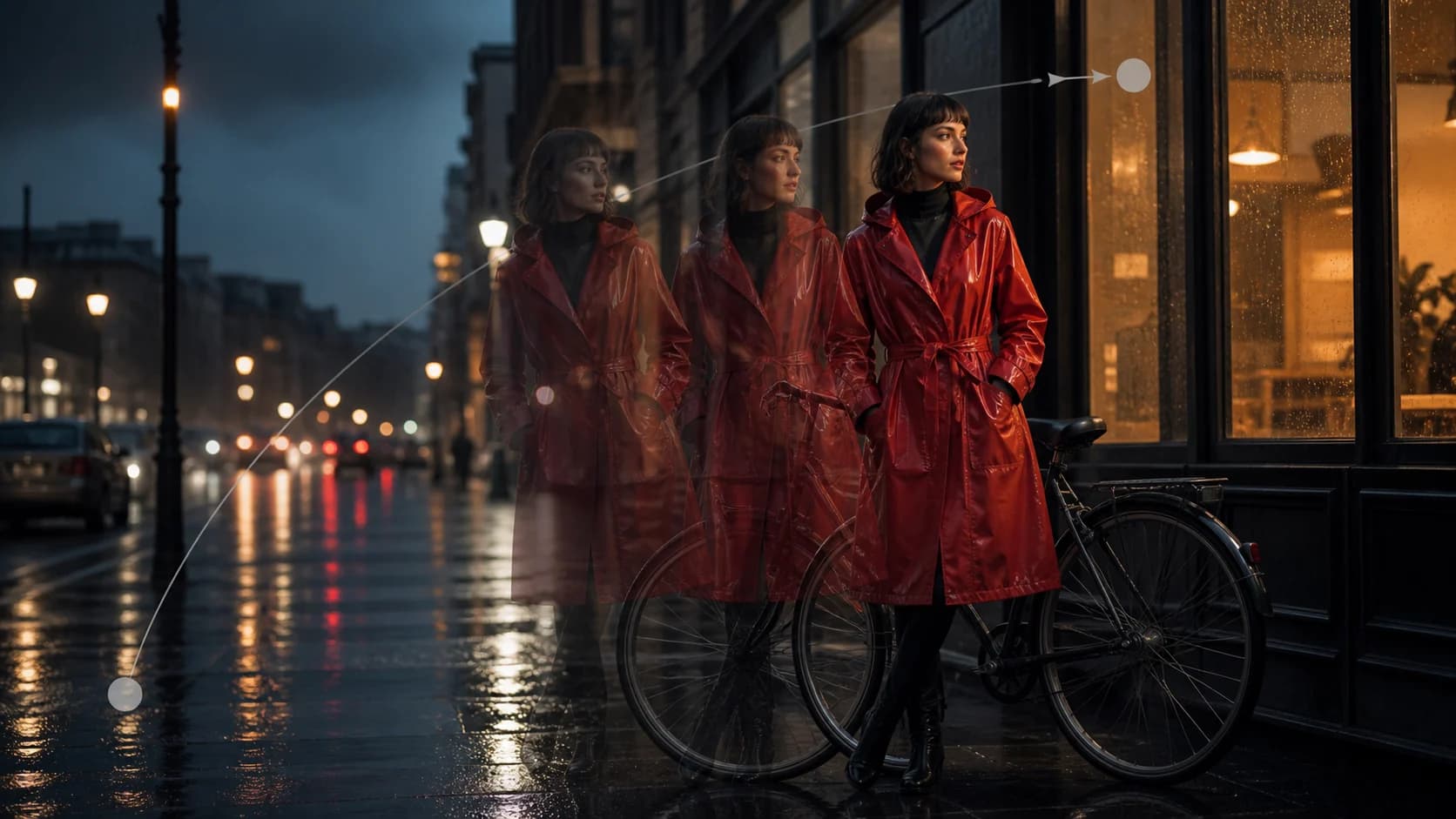
A woman in a red raincoat stands beside a parked bicycle, both hands resting on the handlebars. She slowly looks toward the shop window and stops, keeping her feet planted. The camera makes a gentle dolly-in. Only the rain and reflections move. Preserve her face, coat, bicycle geometry, and storefront layout.
The endpoint—“looks toward the shop window and stops”—gives the model a state to resolve. “Only the rain and reflections move” separates environmental motion from body motion. Avoid stacks such as “dynamic, energetic, cinematic movement.” Use one observable verb; divide multi-stage actions into shots.
How to stop unwanted character movement
When a character should remain still, start in the image-to-video workspace with a source frame already showing the desired pose and composition.
Use positive, visible constraints in the main prompt:
The seated man remains motionless in the original pose. His back stays against the chair, both hands stay flat on the desk, and his gaze remains on the monitor. The camera slowly arcs right. Only the monitor light flickers. Preserve his face, hands, clothes, chair, and desk.
This defines visible stillness better than “do not move the man.” For a still camera, write “locked-off camera; unchanged framing.” For a living portrait, allow one micro-action—one blink or a small breath.
For Kling V3, place unwanted actions in the negative-prompt field: “walking, hand gestures, head turn, body sway, camera shake.” Keep the positive prompt focused on the intended shot. On Kling O3, those restrictions must remain in the main prompt because the current interface has no negative-prompt field.
An optional end image can strengthen the final composition, but it does not guarantee a particular path between frames. Incompatible body geometry can create extra bridging motion. Keep identity, clothing, scale, and layout consistent; change only what the shot requires.
V3’s CFG scale is not motion strength. If a result ignores constraints, test a modest CFG change alone and judge adherence; a higher value does not automatically mean less movement.
Direct action intensity without an intensity slider
Describe intensity through mechanics that can be seen:
| Vague direction | More testable direction |
|---|---|
| “She moves a little” | “She shifts her weight once without lifting either foot” |
| “He runs intensely” | “He accelerates from a jog to a sprint, leaning forward, and exits frame right” |
| “Subtle camera motion” | “A slow dolly-in; no pan, tilt, roll, or handheld shake” |
| “Keep the product stable” | “The bottle remains upright at center frame; its label stays facing the camera” |
Choose one level of action per clip: micro-motion, controlled action, or full-body action. A five-second shot usually benefits from one complete action. Keep camera and subject instructions separate; establish the action first and add one camera move in the next test.
Write multi-shot prompts as a continuity contract
Official Kling 3.0 materials discuss multi-shot creation. ClipDance currently provides a prompt box, not a separate storyboard editor, so shot labels and time ranges are instructions rather than guaranteed edit points.
For a 10-second generation, begin with two shots:
Shot 1, opening: Medium shot. The courier places a blue parcel on the counter and releases it. Locked camera. End with both hands visible beside the parcel.
Shot 2, after the cut: Close-up of the same blue parcel and the courier’s hands. She slides the parcel toward the customer and stops. Slow push-in.
Continuity: Same courier, blue parcel, counter, wardrobe, warm window light, and left-to-right screen direction. Do not add people or replace the parcel.
The last state of Shot 1 prepares the first state of Shot 2. If the result blends both shots, test two clearly different framings and one action per shot. If identity changes, remove secondary people and keep the continuity line identical. If the second action disappears, shorten the first or generate the shots separately.
Lock character identity with the right input
Identity and motion are different problems. A starting image establishes the opening composition, references establish identity or style, and the prompt describes what happens.
Kling O3 reference-to-video currently accepts one to four reference images. In the reference-to-video workspace, use clear images of the same character and avoid contradictory clothing, age, hairstyle, or accessories. A practical set is a face view, a three-quarter view, and a full-body view in the target wardrobe. This is production guidance, not a guarantee of exact identity.
Then repeat only the few traits that must survive motion:
Use the referenced woman: short black bob, silver round glasses, olive field jacket. She walks three measured steps toward the camera and stops on the floor marker. Eye-level camera tracks backward at her pace. Preserve her face, glasses, jacket, and body proportions.
Do not overload the prompt with a second description that conflicts with the images. References should establish identity; the prompt should establish performance, camera, and preservation.
Character swap and clip extension: know the current limits
Kling O3 video edit can apply a prompt-directed change to an uploaded clip in the video-editing workspace. Treat a character swap as a narrow edit request:
Replace only the presenter with an older woman wearing a navy blazer. Preserve the original performance timing, body position, camera movement, desk, background, lighting, and clip length. Do not alter the product.
The O3 edit form accepts a source video and prompt, not a replacement reference. Reference-to-video accepts character images but not the source video in the same mode. For exact identity plus exact source motion, verify whether another current interface exposes that combined workflow.
The current Kling V3 and O3 configurations also lack a dedicated extension mode. For manual continuation, use a clean final frame as the next image-to-video starting frame, repeat the continuity constraints, and assemble the segments in an editor. This is not true temporal extension. If a separate extension tool appears, confirm its selected model before calling it Kling 3.0 extension.
Use A/B tests that answer one question
The current Kling controls do not expose a seed, so A/B tests are directional. Freeze the source media, model, mode, quality, duration, aspect ratio, and audio setting; change one instruction.
| Test | Version A | Version B | Accept based on |
|---|---|---|---|
| Stop body drift | “remains still” | Names planted feet, fixed hands, and fixed gaze | Fewer visible pose changes |
| Action endpoint | “turns toward camera” | “turns toward camera and stops facing lens” | Clean final state |
| Camera load | Orbit plus zoom | Slow orbit only | Stable subject geometry |
| Identity method | Text description | O3 reference images plus short trait list | Face, wardrobe, and proportion continuity |
| V3 adherence | Current CFG | One modest CFG adjustment | Better compliance without damaged motion |
Score each take from 0 to 2 on identity, starting pose, action, ending pose, camera path, and background preservation. Reject a clip that fails a non-negotiable check. Keep failed prompts; they show what to isolate next.
Troubleshoot the failure you can actually see
| Failure | Likely prompt or input conflict | Next controlled change |
|---|---|---|
| Character walks or gestures while meant to stand still | “Natural,” “lively,” or performance language competes with stillness | Use image-to-video; name fixed feet, hands, torso, and gaze |
| Face changes during a turn | Large pose change with weak identity evidence | Reduce the turn; use O3 references; repeat two or three stable traits |
| Action is too strong | Adjectives describe mood, not mechanics | Replace them with one small action and a visible endpoint |
| Camera motion becomes body motion | Subject and camera directions are mixed together | Put them in separate sentences; make only one element move in the next test |
| Multi-shot prompt produces one blended scene | Too many shots or no clear framing change | Reduce to two shots with distinct framing and a continuity line |
| Second shot changes wardrobe or prop | Shared elements are not explicitly carried forward | Repeat the same short continuity list after both shots |
| Character edit changes the whole scene | Edit request is broad | Say “replace only,” then list background, camera, timing, and props to preserve |
| First-to-last-frame animation warps | Endpoint images differ in identity, scale, or layout | Rebuild the end frame so only the intended state changes |
Frequently asked questions
Does ClipDance have a standalone Kling 3.0 motion-control tool?
Not currently. Motion is directed through prompts and the inputs available in text-to-video, image-to-video, O3 reference-to-video, or O3 video edit. Check the live selector because interfaces can change.
What is the fastest way to stop character movement?
Use image-to-video with the required pose. State which body parts remain fixed, separate the camera instruction, and allow only the desired environmental or micro-motion. On V3, also list unwanted actions in the negative prompt.
Can Kling 3.0 prompts contain multiple shots?
Official Kling 3.0 materials describe multi-shot generation. In the current ClipDance form, write it into the prompt. Start with two shots and treat timing labels as guidance, not guaranteed cuts.
Can I swap a character while preserving the original motion?
O3 video edit can request a targeted replacement, but its current form has no replacement-reference upload. Exact identity is therefore not guaranteed. Evaluate face, pose, occlusion, wardrobe, and background separately.
Can I extend a Kling V3 or O3 video here?
Not through the current V3 or O3 mode configurations. You can build a manual next segment from the prior final frame, but that is a continuation workflow rather than a dedicated extension operation.
The practical rule is simple: constrain identity with media, constrain movement with one observable action, constrain the camera with one move, and change only one variable when the take fails.
References
Author

Categories
More Posts
Seedance 2.0 AI Video Generator: Honest Review and Comparison for 2026
A detailed look at how Seedance 2.0 compares to Runway, Pika, Kling, and Sora for AI video generation. Covers multi-reference input, beat-sync, 1080p output, and real production workflows.
Seedance 2.5 Prompt Guide: Examples & Templates
Learn the official Seedance 2.5 prompt formula with examples for 30-second timing, references, editing, extensions, keyframes, blockouts, audio, and camera.
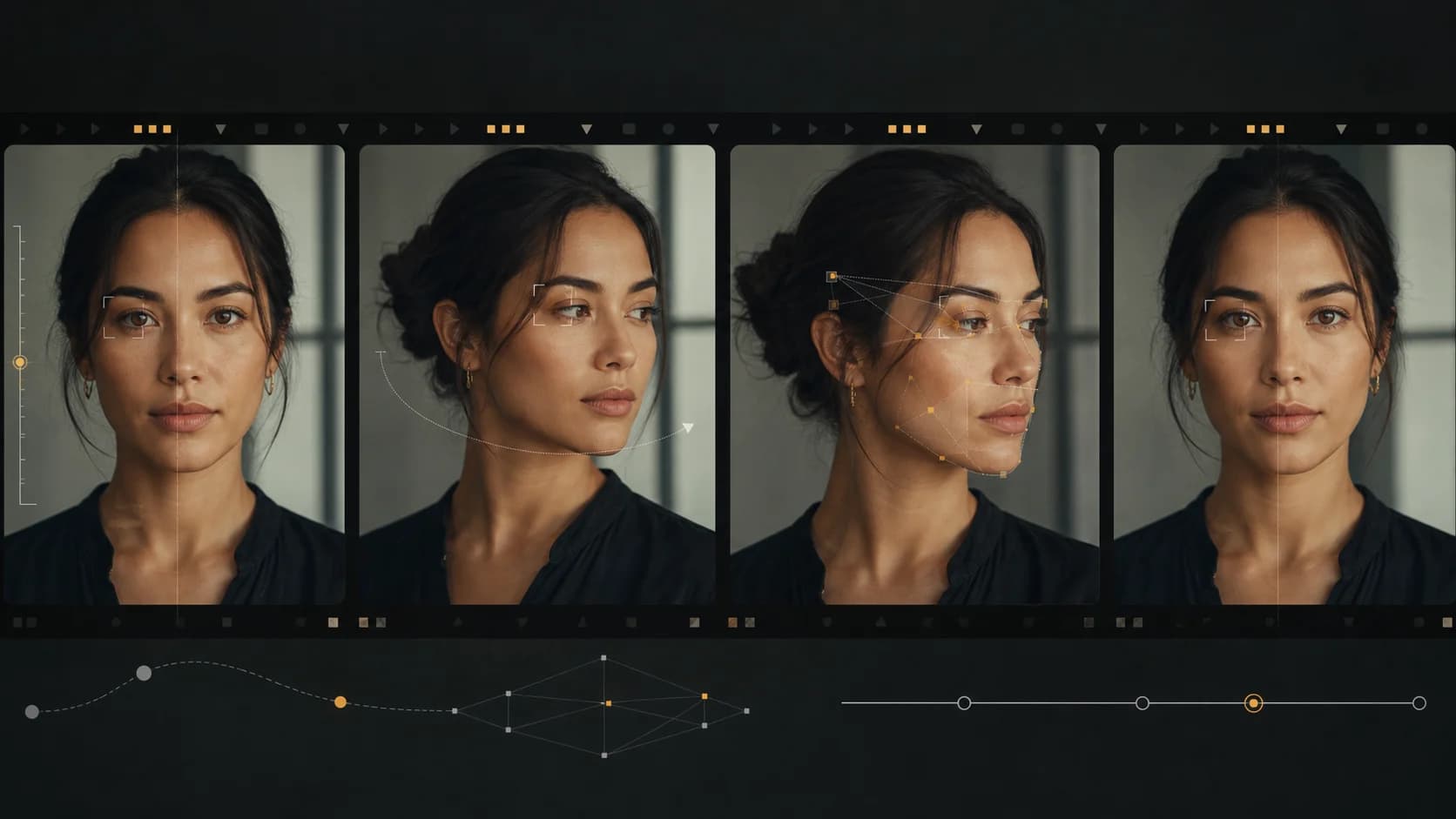
Why AI Video Generators Distort Faces—and How to Fix It
Fix warped, drifting, or melting faces in AI video with a controlled workflow for framing, motion, references, camera movement, lighting, and shot review.