
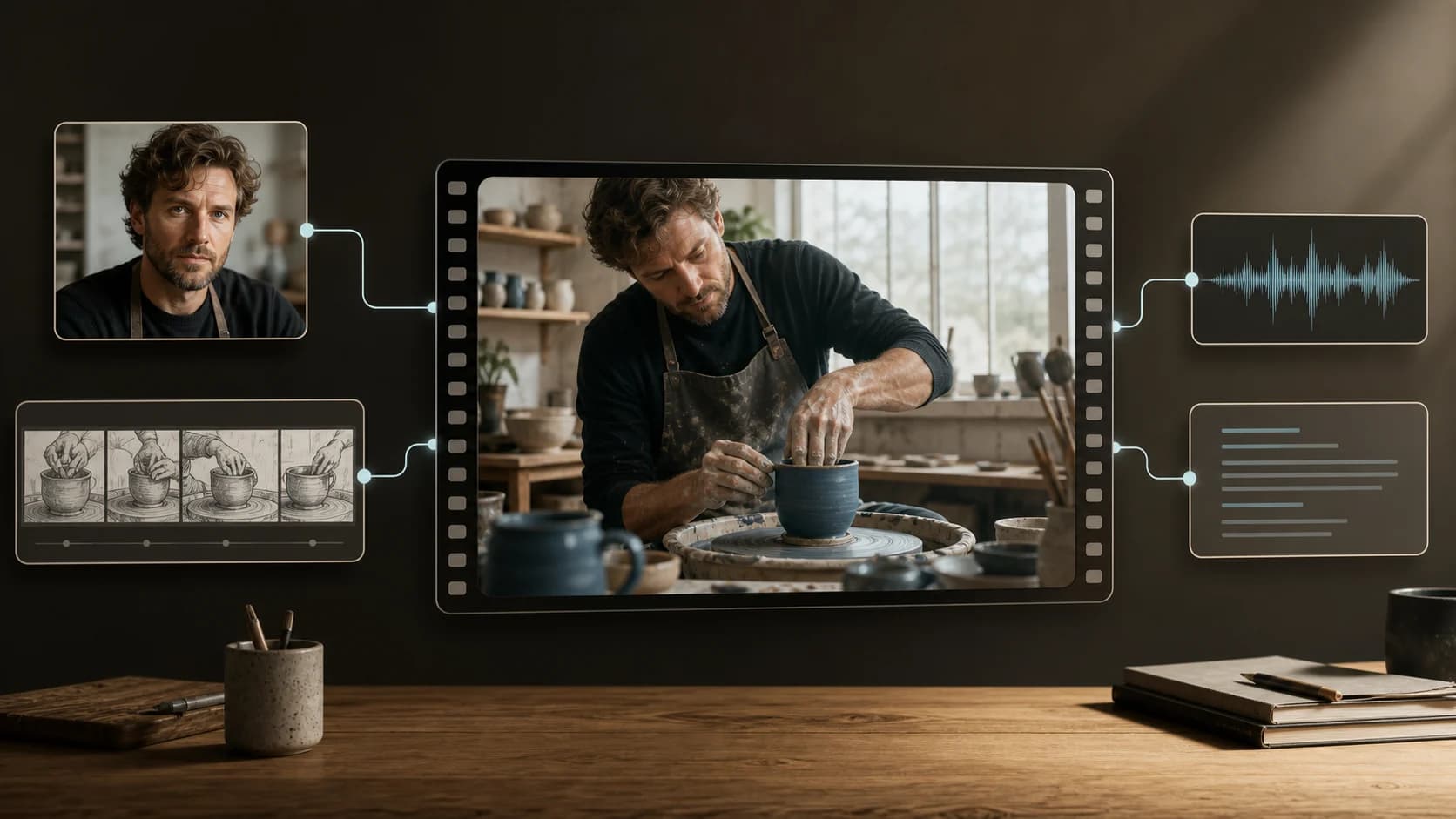
MiniMax H3 Prompt Guide: Text, Frames, References, and Audio
Write better MiniMax H3 prompts with practical workflows for text-to-video, first and last frames, mixed references, dialogue, audio, and reference costs.
A good MiniMax H3 prompt does not try to describe everything. It tells the model what to create, assigns a narrow job to each reference, and removes conflicts before generation.
That distinction matters more with H3 than with a basic text-to-video model. A request can combine text, images, video, and audio, but each additional input creates another possible interpretation. Nine reference images are not automatically better than three. A motion clip can help with choreography while quietly increasing the bill. An audio track can guide a performance, but it cannot be the only reference on the current ClipDance route.
This guide covers the current MiniMax H3 generator as implemented on ClipDance: 4–15-second output, fixed 2K video with native stereo audio, and separate text-, frame-, and reference-driven workflows. MiniMax's official launch describes the broader model; the limits and pricing below describe this site's current route. Those are related facts, not interchangeable ones.
Choose the mode before writing the prompt
The prompt should solve the job that the selected mode leaves open.
| If you already have... | Use | Let the prompt control |
|---|---|---|
| No source media | Text-to-video | Subject, action, setting, camera, light, sound |
| An opening image, optionally an ending image | Image-to-video | The transition, motion, timing, and preservation rules |
| Identity, style, motion, or voice references | Reference-to-video | The role of each file and the relationships among them |
Text-to-video requires an aspect ratio. Image-to-video does not expose an aspect-ratio setting because its orientation comes from the source frame. Reference-to-video can use an adaptive ratio or an explicit one.
All three modes require a prompt between 1 and 7,000 characters. That large ceiling is permission to be precise, not a target. For a six-second shot, a few purposeful sentences often leave less room for contradiction than a page of prose.
A MiniMax H3 prompt structure that survives revisions
Write in six blocks, then remove any block that adds no useful instruction:
Goal: What is this clip for, and what must be readable?
Subject: Who or what appears, including identity or product constraints.
Action and timing: One main action, in an explicit order.
Scene and light: Location, time, practical light, and material cues.
Camera: Framing, lens feel, movement, and whether the shot cuts.
Sound: Dialogue, ambience, effects, and music—or an intentional quiet bed.
Constraints: What must stay unchanged; what must not appear.
The first line is for you as much as for the model. “A six-second product reveal in which the label remains readable” forces a different prompt from “a moody brand film.” When the goal is vague, every later choice can be individually attractive and collectively wrong.
Use concrete verbs. “The cyclist brakes, plants her left foot, then looks over her shoulder” is testable. “The cyclist moves dynamically with cinematic energy” is not. Give the camera one coherent instruction rather than a stack of fashionable moves. If the shot is a slow push-in, it probably does not also need a crane, orbit, snap zoom, and handheld shake.
Text-to-video: build one shot, not a trailer
Open the text-to-video workflow, choose the ratio and duration, then write the prompt around one visible event.
A ceramic artist stands at a worn oak table in a small daylight studio.
She lifts a newly glazed blue cup, turns it once toward the window, and
notices a hairline crack. Medium close-up, static camera at eye level,
soft overcast window light, natural hand movement and realistic clay texture.
Quiet room tone, a distant delivery bicycle, and the cup touching wood.
No music, captions, logos, extra hands, or camera cuts.
This prompt gives H3 an action with a beginning and an end. The sound belongs to the same physical space. The negative instructions protect only likely failure points; they do not contain a hundred generic bans.
For a longer 12–15-second clip, use a short timeline only when actions truly depend on order:
0–5s: The courier enters the empty lobby and checks the address on a parcel.
5–10s: The elevator opens behind him; he hears it and turns.
10–15s: He steps inside while the doors close, keeping the parcel label hidden.
One continuous waist-height handheld shot. Fluorescent room tone, elevator chime,
soft footsteps, no dialogue and no music.
Do not assign five three-second scenes merely because the output can last 15 seconds. Every cut adds continuity work: position, wardrobe, props, screen direction, lighting, and voice all have to survive the transition.
First and last frames: describe the path between facts
In image-to-video mode, the first frame already defines identity, composition, color, and orientation. Repeating all of those details can introduce accidental alternatives. Describe what changes and what must remain stable.
Use the uploaded first frame as the exact opening composition. The woman slowly
raises the closed umbrella, steps from the curb, and crosses toward camera as
light rain begins. Preserve her face, yellow coat, bag, street layout, and cool
evening light. The camera tracks backward at walking speed without cutting.
Wet footsteps, light rain, distant traffic; no dialogue or music.
If you add a last frame, treat it as a destination rather than a second mood board:
Begin from the first frame and arrive naturally at the uploaded last frame.
The paper boat follows the gutter stream, turns around the drain, and settles
in the final position. Keep the painted curb and camera height unchanged.
No teleporting, dissolves, scene cuts, new objects, or changes in weather.
The current ClipDance form requires a first frame and makes the last frame optional. H3's underlying wire format can accept a last-frame-only request, but that path is not exposed in this form. Writing a prompt for a control the interface does not offer will not restore it.
Mixed references: assign one job to every file
MiniMax's July 31 launch used a compact example: “Reference the Hitchcock camera movement from Video 1, have the character in Image 2 sing, with the vocals matching Audio 3.”[1] It is an official company demonstration, not an independent benchmark, but the sentence shows the right grammar. Each asset has a label, a role, and an explicit relationship to the output.
Use the same pattern in reference-to-video mode:
Image 1: identity reference only. Preserve the singer's face and short silver hair.
Image 2: wardrobe reference only. Use the black jacket and red stitching, not its pose.
Video 1: motion reference only. Follow the slow backward dolly and the performer's
head rhythm; do not copy the source location or person.
Audio 1: vocal timing and melody reference. The person from Image 1 performs it.

Generate a 10-second performance in a small rehearsal room at night. Start in a
chest-up shot and follow the camera motion from Video 1. Warm practical lamps,
subtle room ambience, no audience, captions, logos, or wardrobe changes.
“Identity reference” is still too broad if the source image also contains distinctive clothes, pose, typography, and background. Say which elements to keep and which to ignore. The same applies to video: motion, camera, blocking, lighting, and subject appearance are separate properties. Asking for “the style of Video 1” makes the model choose among them.
The current route accepts up to nine images, three videos, and three audio files. Reference videos may total no more than 15 seconds. Audio cannot be used by itself; include at least one image or video. These are request limits, not a recommendation to fill every slot.
Dialogue and native audio: direct the sound stage
H3 generates native stereo audio on the current route, with no separate audio toggle. If sound matters, prompt it as part of the scene rather than as an afterthought.
One woman at the kitchen table says, quietly and without smiling:
"Leave the key by the blue cup."
Her brother remains silent and looks toward the hallway after the word "key."
Close conversational voices, refrigerator hum, light rain against the left window,
one ceramic tap as the key lands. No score, voice-over, subtitles, or other speech.
Name the speaker, write the exact line, and separate spoken words from acting direction. Keep dialogue short enough for the duration. Describe where ambience sits only when stereo placement helps the scene. If you need no speech, say what should replace it—room tone, wind, traffic, cloth movement—instead of leaving the entire audio plan blank.
A public X example from ÀBDŪLLÂH on August 13 used one identity image, a vertical phone-video look, five timed action blocks, three brief spoken lines, specific bathroom sounds, and explicit exclusions for music and readable labels.[3] X displayed an AI-generated label; no paid-partnership label was visible when checked. The author says the clip was made with MiniMax H3 on Hailuo. ClipDance did not reproduce the generation, so the post is useful as a real prompt-format example—not proof that every timed action or line will succeed.
Reference selection should follow the bill
On the current ClipDance route, output costs $0.1825 per second before conversion to credits, and one credit represents $0.02. The first five reference images do not add a reference fee. Images six through nine add $0.055 each. Audio references do not add a media fee. Reference-video seconds are added to output seconds for billing, with the combined billable duration capped at 30 seconds.
| Request | Approximate route cost before credit rounding |
|---|---|
| 6-second output, up to five images, no video reference | $1.095 |
| 15-second output, up to five images, no video reference | $2.738 |
| 6-second output plus a 10-second reference video | $2.920 |
| Add a sixth reference image | +$0.055 |
This suggests a simple order of operations:
- Start with a four- to six-second proof using one to three images.
- Add another image only when it supplies a distinct fact: a second angle, a wardrobe detail, or a product surface that the first image cannot show.
- Use a video reference when motion or camera timing cannot be described reliably in text. It is the most expensive reference type because its duration joins the bill.
- Add audio when the exact performance, cadence, or melody matters. Remember that it still needs an image or video companion.
- Increase output duration only after the short version preserves the right identity and action.
Six weak references cost more attention even when they do not cost much more money. The model has to resolve overlaps; the reviewer has to work out which file caused a mistake. A compact set makes revision faster.
Failure modes and the smallest useful fix
The identity drifts. Remove style and motion images temporarily. Keep one clear identity image, assign it “face and hair only,” and name the attributes that other references must not replace.
The model copies the reference background or wardrobe. The role was underspecified. Replace “use Image 1 as reference” with “identity only; ignore background, pose, clothing, text, and lighting.”
The action order collapses. Reduce the number of beats. Keep one continuous shot, use timestamps only for essential dependencies, and avoid asking for a montage inside a six-second output.
The first and last frames feel joined by a dissolve. Describe the physical transition that can connect them. If no plausible path exists, revise one frame rather than demanding impossible geometry.
Dialogue is rushed or unclear. Shorten the line before adding more pronunciation instructions. One speaker and one sentence is a cleaner diagnostic than a two-person exchange with overlapping effects.
A reference video's appearance leaks into the result. Assign it motion or camera only and explicitly reject its person, location, wardrobe, and lighting. If leakage persists, replace the clip with a simpler movement reference.
An audio-only request fails validation. Add a relevant image or video; current reference mode does not accept audio by itself.
Every rerun changes several things. Change one variable at a time. If you replace the prompt, identity image, motion clip, duration, and ratio together, a good result teaches you almost nothing.
A final pre-generation check
Before spending credits, read the request once as a set of contracts:
- Can the main action fit inside 4–15 seconds?
- Does every reference have one named role?
- Are two files giving conflicting identity, lighting, wardrobe, or camera instructions?
- Is the selected aspect ratio valid for the mode, or derived from the first frame?
- If audio is present, is there also an image or video reference?
- Is a paid video reference doing work that text could do?
- Does the dialogue fit naturally in the available time?
- Can you judge success with three or four visible criteria?
Generate the smallest version that can answer those questions. H3's multimodal capacity is most useful when the references form a clear production brief, not when the upload tray is full.
References
- [1] MiniMax. MiniMax H3: An Open Model Breaking the Boundaries Between Tasks and Modalities. Published July 31, 2026. Official launch claims and company examples; not an independent test.
- [2] reAPI. MiniMax H3 model page and current route pricing. Accessed August 13, 2026. ClipDance's current implementation uses this route but applies its own credit conversion.
- [3] ÀBDŪLLÂH (@itxabdullaa). Public MiniMax H3 prompt and generated example on X. Published August 13, 2026. X labeled the post AI-generated; no paid-partnership label was visible when checked. The example was not reproduced by ClipDance.
Author

Categories
More Posts

Seedance 2.0 Mini vs Fast vs Standard: Which to Pick
Seedance 2.0 Mini, Fast, and Standard compared: what each tier is for, where resolutions differ, and a decision rule that stops you overpaying per clip.
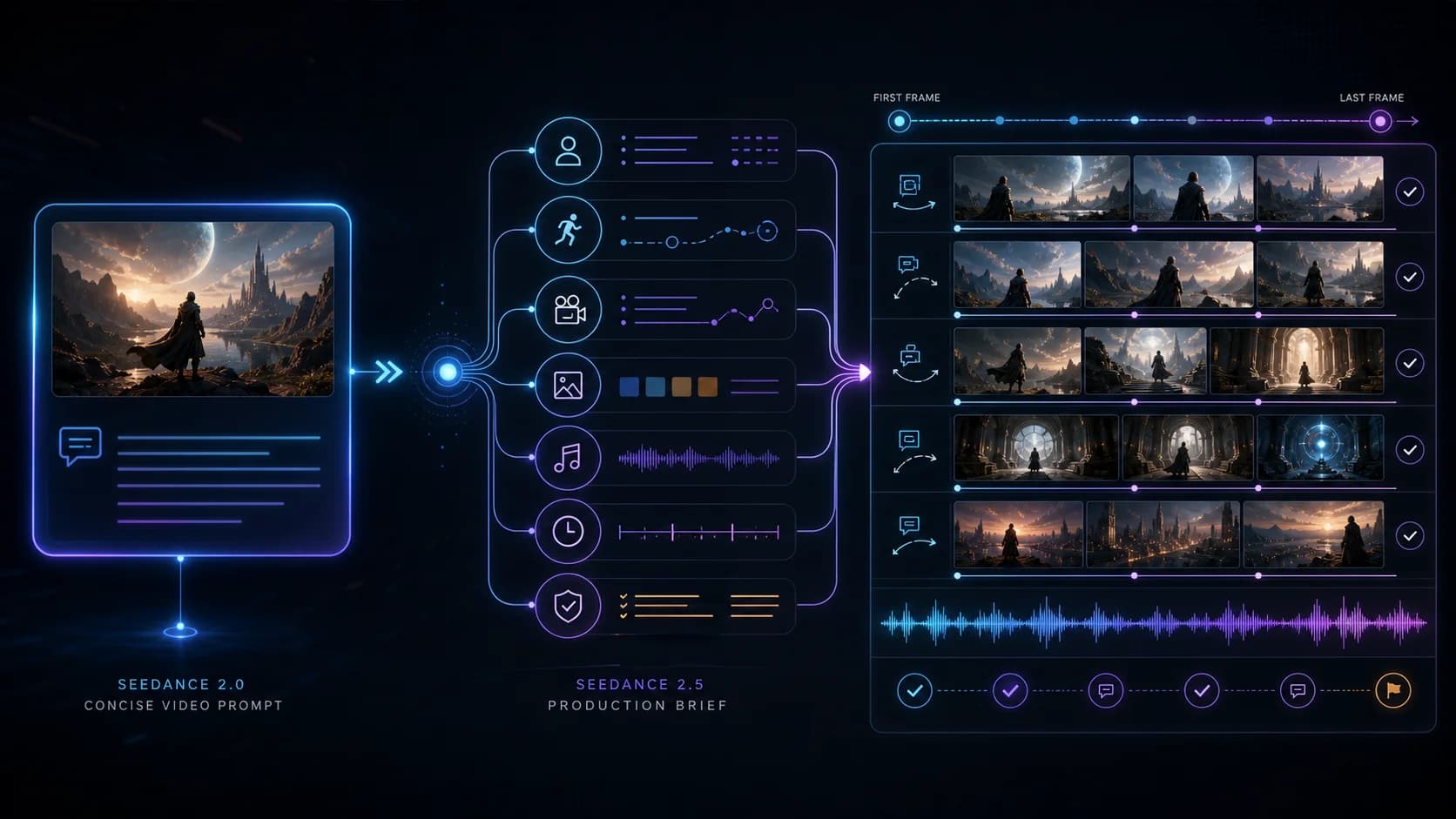
How to Upgrade a Seedance 2.0 Prompt for Seedance 2.5
A practical migration workflow for turning a short Seedance 2.0 prompt into a timed Seedance 2.5 production brief without changing its creative intent.

Where to Use Seedance 2.5: Dreamina, Higgsfield & More
Seedance 2.5 just debuted globally on Dreamina, Higgsfield still lists it as coming soon, and the API is pre-launch. A verified map of where to run it today.