
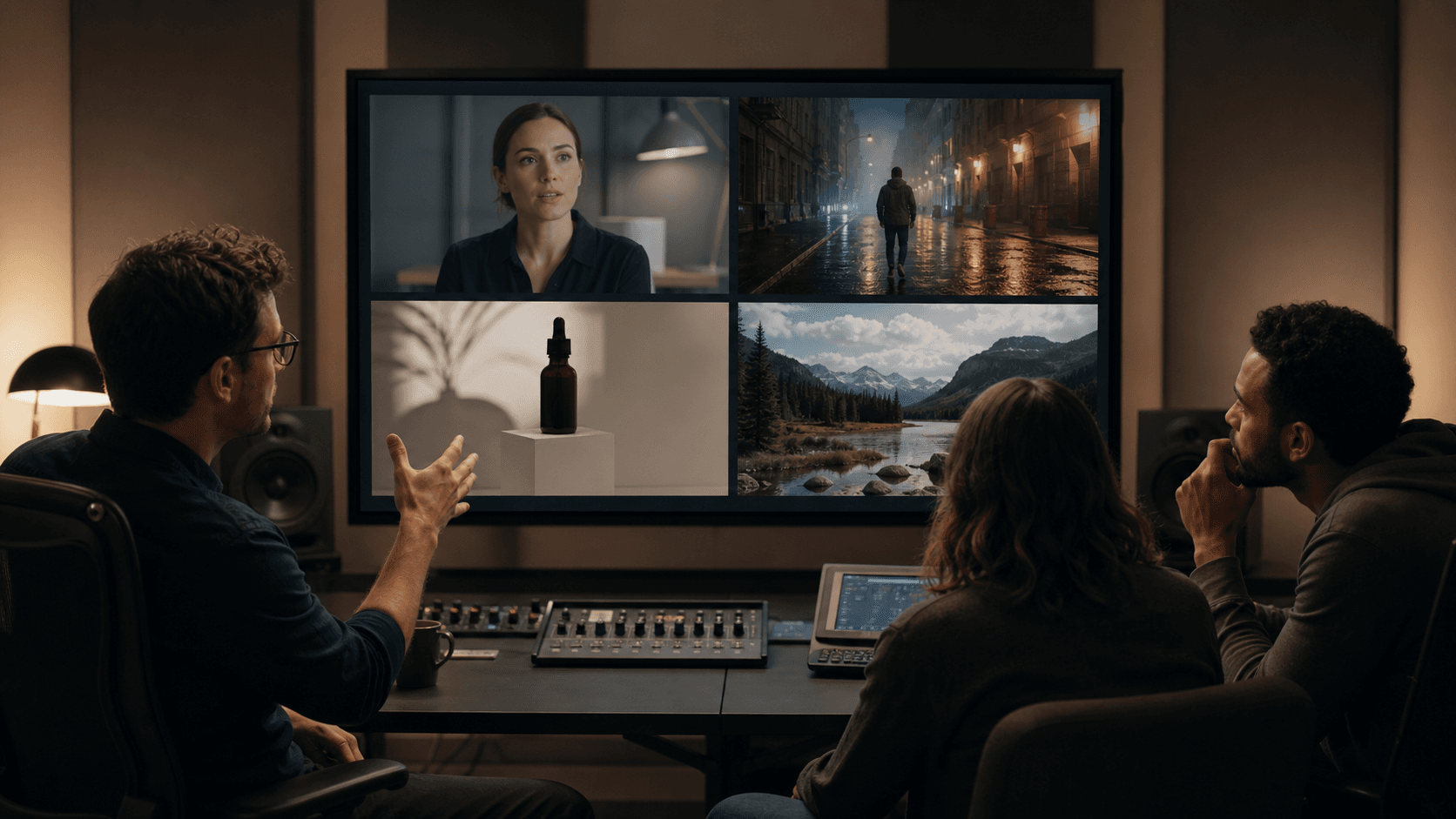
Hailuo AI vs Seedance, Kling, and Veo for Professional Video
Is Hailuo AI good for professional video? Compare Hailuo 03 with Seedance, Kling, and Veo to choose the right model for each shot.
Hailuo AI can be used for professional video, but it is not the automatic winner for every production. Its current Hailuo 03 model—also known as MiniMax H3—is especially useful when a short clip needs native sound and several kinds of reference material. Seedance is better suited to longer, reference-heavy scenes. Kling is a practical choice for controlled short shots with a high-resolution option. Veo remains attractive when physical realism and a Google Cloud production environment matter most.
That is the short answer. The more useful answer depends on what professional means for a particular job.
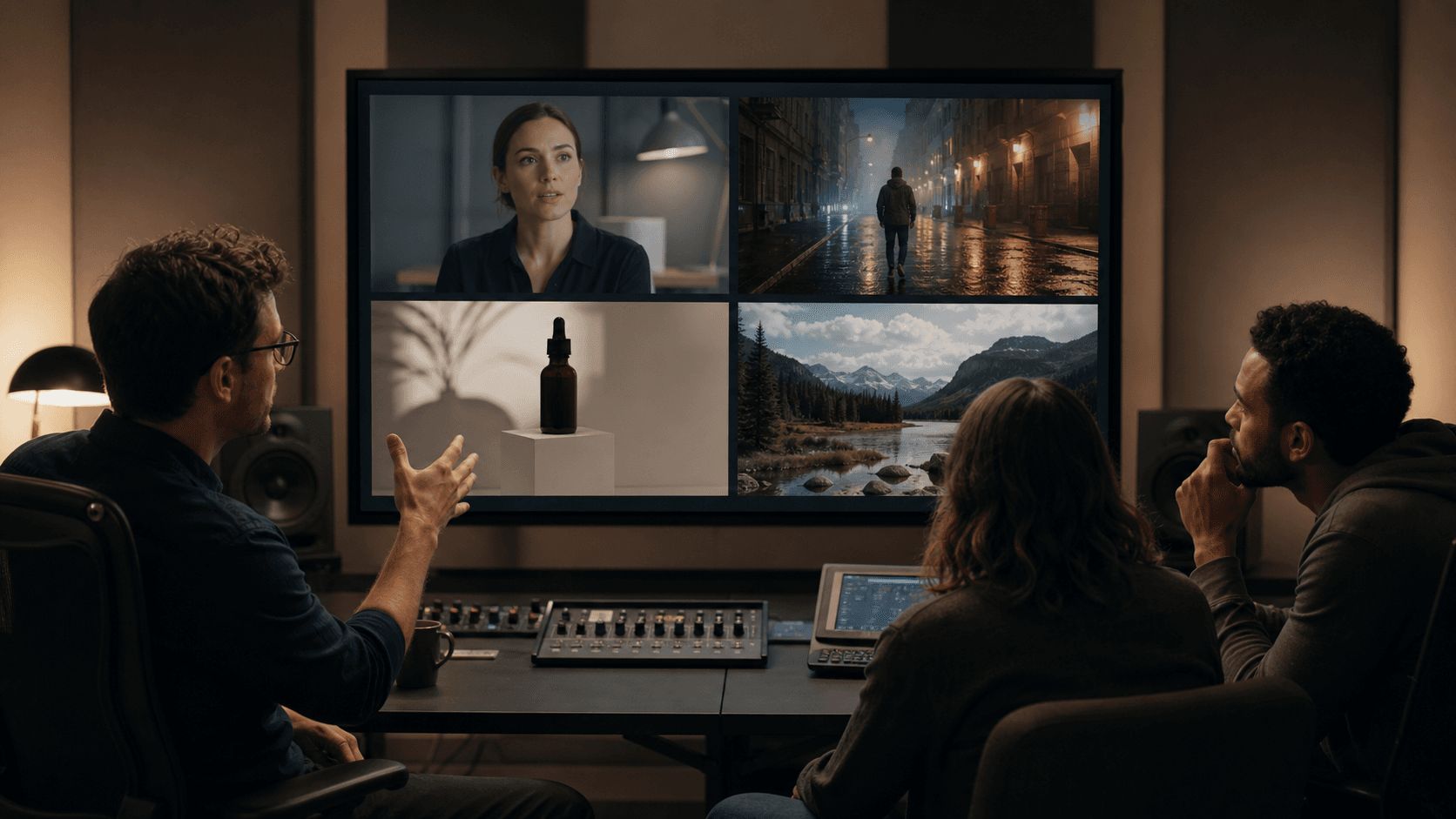
A social studio making twenty product clips each week has different priorities from a filmmaker building one hero shot. One team values fast iteration and predictable framing; the other may accept more attempts in exchange for a rare camera move. Comparing AI video generators by a single beauty sample hides those differences.
The Comparison at a Glance
| Model | Strongest fit | Useful controls | Main trade-off |
|---|---|---|---|
| Hailuo 03 / MiniMax H3 | Short ads, talking heads, character clips, reference-driven shots | Text, first and last frames, image/video/audio references, native stereo audio | Short-clip workflow still requires editing for a complete piece |
| Seedance 2.5 | Longer scenes, story beats, real-person and multi-reference work | Up to 30-second generation, native audio, image/video/audio references | Native output may need enhancement for a high-resolution master |
| Kling V3 | Controlled short shots, product motion, first-to-last-frame animation | Standard or Pro quality, first/last images, audio option, negative prompt | Less suited to a large multimodal reference package |
| Veo 3.1 | Realistic cinematic shots and teams already using Google Cloud | Image-to-video, first/last frames, sound generation, 720p/1080p options | Cloud setup and model limits can be heavier than a creator-focused workspace |
What Hailuo AI Is Good At
Hailuo 03 is MiniMax's current multimodal video model. In the current Seedance Studio interface it appears as MiniMax H3 and supports text-to-video, image-to-video, and reference-to-video. Clips can run from four to fifteen seconds, reach up to 2K, and include native stereo audio.
The model's most distinctive feature is the reference mix. A creator can use images to establish identity or design, video to suggest movement, and audio to guide voice or atmosphere. That makes Hailuo interesting for work that is hard to describe in words alone.
Imagine a six-second fragrance ad. A product photograph defines the bottle. A movement clip suggests the turn of the actor's wrist. A short audio reference establishes the breathy room tone. Hailuo can treat these as different kinds of direction instead of asking one text prompt to carry the entire production.
Conflicting references can pull the shot in different directions. A fashion photograph may imply hard studio light while a motion clip suggests another environment. Professional results require each asset to have a stated role.
Use Hailuo when you can finish this sentence for every file: “This reference controls ___, and nothing else.”
Hailuo AI vs Seedance 2.5
The biggest difference is not a vague quality score. It is how much scene and reference information each model can carry.
Hailuo produces compact four- to fifteen-second clips. That range fits a product beat, a reaction, a talking-head line, or one piece of a larger edit. Seedance 2.5 can generate up to thirty seconds, which gives an action more time to develop without stitching several clips together.
Seedance 2.5 also accepts a larger reference package in its multi-reference modes: images for people and visual identity, video clips for movement or scene structure, and audio for voice or sound direction. This makes it a better candidate when continuity across a longer take is central to the brief.
Hailuo has the advantage when the production wants a short, self-contained shot at up to 2K with stereo sound already integrated. Seedance's longer canvas is more useful for a scene with several timed beats, but a creator aiming for a high-resolution final master may choose to enhance the approved output afterward with the platform's Video Upscale tool.
For professional work, choose Hailuo for the focused shot and Seedance 2.5 for the longer sequence. Test both when the scene combines a recognizable person, difficult movement, and synchronized sound; those are precisely the conditions where model behavior matters more than feature lists.
Hailuo AI vs Kling
Kling V3 is a more conventional choice for short text-to-video or image-to-video generation. In its Pro setting, the current Seedance Studio workflow offers 1080p output. It supports first and last images, optional generated audio, a negative prompt, and a control for prompt adherence versus creativity.
Those controls are useful when the brief begins and ends with two clear frames. A pack shot can start closed and finish with the product arranged in its final composition. A landscape can move from a quiet first frame to a defined camera position without a large library of reference media.
Hailuo is more compelling when the direction itself is multimodal. If the movement is easier to show with a video than to describe, or the voice and ambience need to be part of the reference package, Hailuo gives the creator more ways to communicate intent.
Kling may be the cleaner test for a sharply defined, short image-to-video shot. Hailuo deserves the first test when the result depends on combining identity, movement, and sound cues.
Hailuo AI vs Veo
Veo 3.1 is often considered for realistic motion, cinematic composition, and native audio. Google's current Vertex AI documentation supports image-to-video and first-and-last-frame generation, with common horizontal and vertical formats and 720p or 1080p output.
For a team already operating in Google Cloud, Veo offers an obvious organizational fit. Permissions, storage, billing, and governance can sit inside an existing cloud environment. That matters in professional production, where the approval path can be as important as the model output.
Hailuo offers a more direct multimodal creative proposition. Its reference-to-video mode can take images, video, and audio rather than relying mainly on a prompt and frame guidance. It is therefore well suited to a creator who wants to assemble a compact creative package and generate a short finished beat.
Do not decide between them using unrelated showcase clips. Give both the same opening image, the same action, the same duration, and the same sound requirement. Then compare the first acceptable result, not the luckiest result found after an unknown number of attempts.
Can Hailuo AI Be Used for Professional Videos?
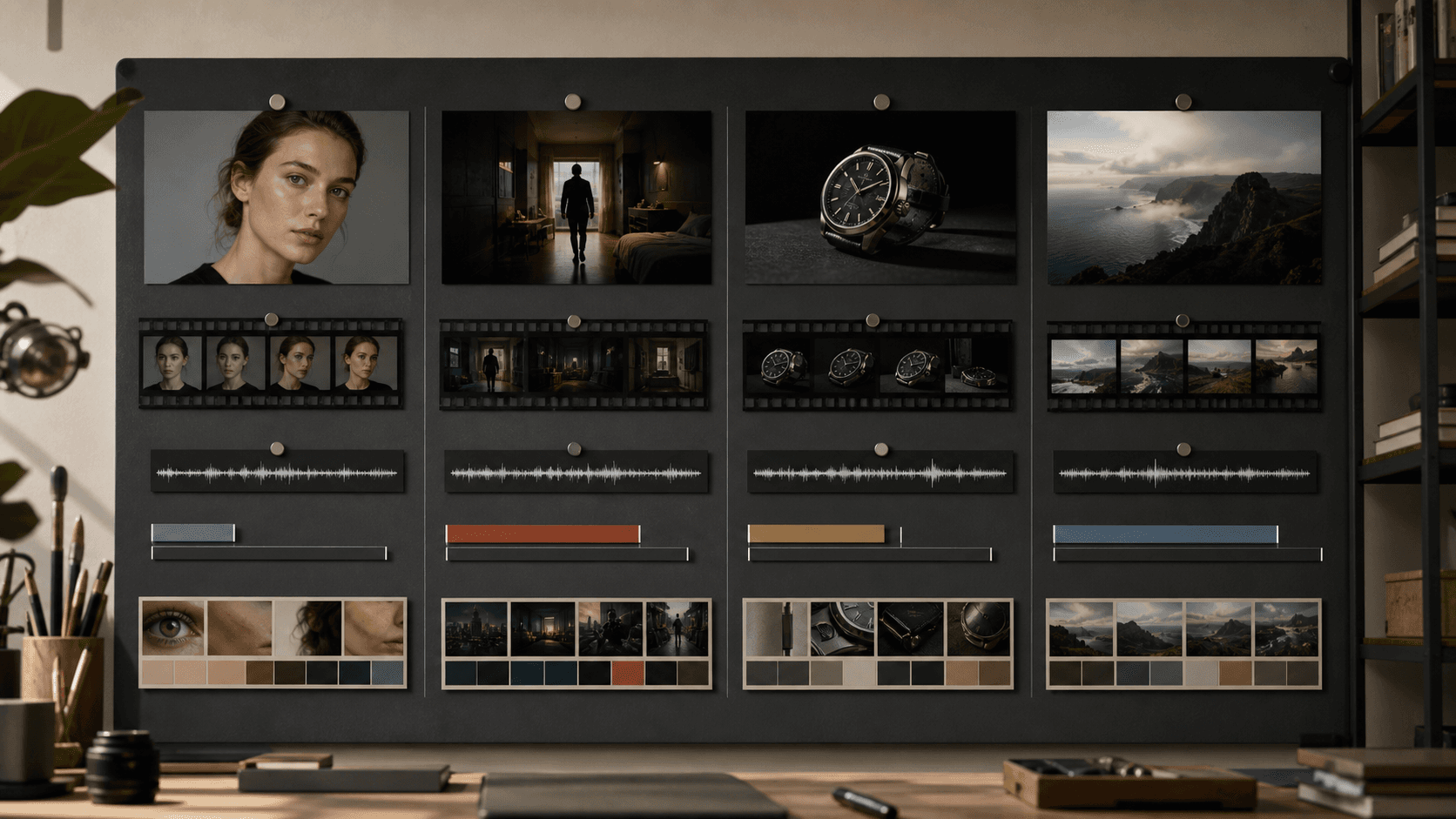
Yes—if it is treated as a shot-production tool rather than a one-click replacement for the whole video process.
Hailuo fits professional work when:
- the deliverable can be built from short, planned shots;
- reference assets are licensed and organized by role;
- the team can review identity, product shape, text, and sound;
- an editor will trim, sequence, caption, mix, and finish the selected outputs;
- the project can tolerate testing more than one generation.
It is a weaker fit when a client expects exact frame-by-frame reproduction of a regulated product demonstration, a long uninterrupted performance, or a factual event that must not contain reconstructed details. Traditional filming, animation, or 3D rendering may be more dependable for those jobs.
Professional does not mean flawless on the first attempt. It means the tool can sit inside a controlled process with predictable review points.
A Better Way to Compare Models
Model comparisons often fail because each model receives a different prompt, a different source image, or a different number of attempts. A useful internal test is smaller and stricter.
First, choose the hardest shot from the project. It might be a hand opening a package, a face turning into profile, or a camera move around a reflective object. Easy atmospheric footage will not reveal the failure that later blocks delivery.
Second, freeze the brief. Use the same subject, action, framing, duration, and output ratio. When a model supports extra references, note exactly which references were added; that is part of the comparison, not an invisible advantage.
Third, give each model the same attempt budget. Three attempts per model is more informative than one lucky render from one model and ten from another.
Finally, score the results against the actual job:
- Did the subject remain recognizable?
- Did the requested action complete?
- Did the camera behave as directed?
- Were hands, faces, and product geometry stable?
- Was the audio usable and synchronized?
- How much editing or repair remained?
The winning model is the one that produces the most usable footage for the total effort, not the model with the most dramatic single frame.
Recommendations by Use Case
For a short talking-head or character clip: Start with Hailuo. Its native stereo audio and multimodal references are relevant when identity, voice, and performance must work together.
For a longer narrative beat: Start with Seedance 2.5. The longer generation window gives blocking and pacing more room.
For a controlled first-frame-to-last-frame shot: Test Kling V3 alongside Hailuo. Kling's straightforward frame guidance and Pro resolution are useful for product and transition shots.
For realistic cinematic footage in a Google Cloud organization: Put Veo 3.1 on the shortlist, then compare its governance and storage fit as well as its picture quality.
For a campaign with many shot types: Do not force one model to do everything. A professional edit can combine a Hailuo performance shot, a Seedance sequence, and a Kling product insert as long as color, framing, and finishing make them feel intentional.
Frequently Asked Questions
Are MiniMax H3 and Hailuo 03 the same model?
Yes. Hailuo 03 is also released as MiniMax H3. The current Seedance Studio model picker uses the MiniMax H3 name.
Is Hailuo better than Seedance?
Neither is universally better. Hailuo is a strong fit for short multimodal clips with native stereo audio. Seedance 2.5 offers a longer generation window and a larger reference workflow.
Is Hailuo suitable for commercial advertising?
It can be, particularly for short product, character, and talking-head shots. Commercial use still requires rights-cleared inputs, brand review, factual claim review, and a careful final edit.
Which model is best for image-to-video?
Hailuo is worth testing when image motion also depends on audio or video references. Kling is useful for a direct first-to-last-frame shot. Seedance 2.5 is better when the image belongs to a longer, reference-heavy scene.
Should I upscale the result?
Only after choosing the final take. If the approved clip needs to sit in a higher-resolution project, use Tools → Video Upscale in Seedance and compare a 1× enhancement with a 2× upscale before trying 4×.
Choose the Shot Before the Model
Hailuo AI is a credible professional video tool because it gives creators more than one way to direct a short clip. Its strength lies in combining a prompt with visual, motion, and audio references. That strength is most valuable when the production has a precise shot in mind.
Seedance 2.5, Kling V3, and Veo 3.1 each solve a different version of the problem. The sensible choice begins with duration, reference needs, sound, resolution, and the consequence of a visual error. You can compare the available workflows in Seedance Studio and run the same difficult shot across a small, controlled test before committing the rest of the production.
Author

Categories
More Posts

Seedance 2.0 Path Control is basically AI Quidditch FPV now with a prompt
Learn the community Seedance 2.0 path-control workflow using a marked reference image, waypoint prompt, FPV demo, and practical fixes for route drift.
How to Generate AI Images: A Practical Guide for 2026
Learn how to generate AI images from text prompts, reference photos, and style guides. Covers how the technology works, prompt tips, and a step-by-step walkthrough using Seedance 2.0's text-to-image tool.

Seedance 2.0 camera movement prompts: the complete guide to cinematic AI video
Master camera movement prompts for Seedance 2.0 and other AI video generators. A three-tier system covering basic movements, emotional modifiers, and advanced combinations.