
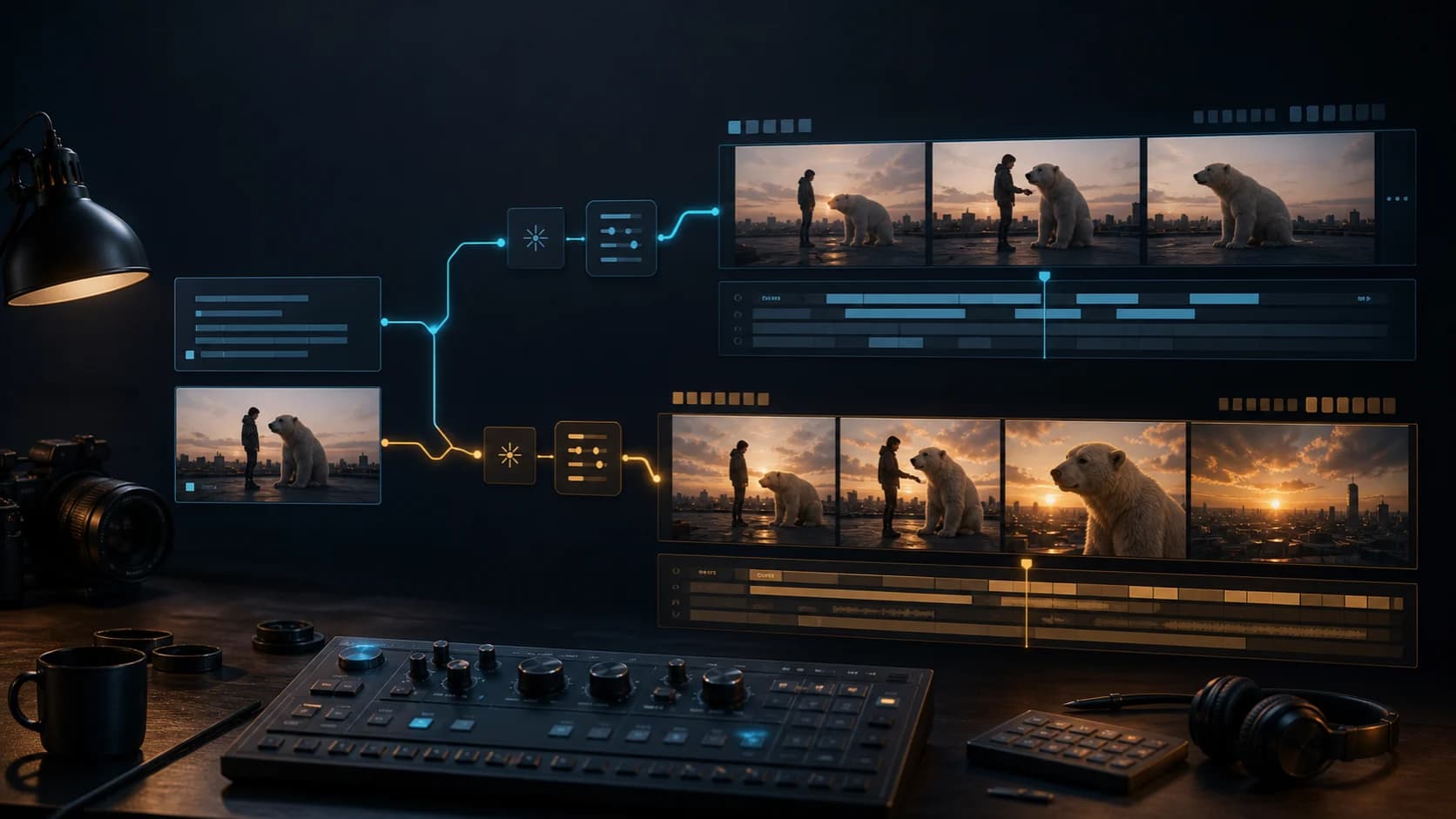
Sora 2 Video Generator Guide: Base vs Pro, Text vs Image, and Real Costs
Choose Sora 2 Base or Pro, text-to-video or image-to-video, with current ClipDance controls, credit costs, a sourced creator example, and API shutdown context.
The useful question about the Sora 2 video generator is no longer simply “How good is it?” In August 2026, the practical questions are narrower: should you use Base or Pro, should the shot begin with text or an image, and is it sensible to build a workflow around a model whose official API has a shutdown date?
This guide answers those questions for the current ClipDance integration. It does not claim that ClipDance reproduced a Base-versus-Pro benchmark, and it does not treat controls from OpenAI's former Sora app as controls available here.
First, the 2026 status you need to know
OpenAI's original consumer Sora product closed on April 26, 2026. Its developer documentation now marks the Videos API, sora-2, and sora-2-pro as deprecated, with shutdown scheduled for September 24, 2026 and no recommended replacement listed.[1][2]
That does not mean every third-party Sora route stopped on the same day. The current ClipDance code still registers Sora 2 and Sora 2 Pro in its shared video studio. It does mean availability is time-sensitive. Use Sora for work you can finish and export now; do not design a long-lived API dependency around it without a migration plan.
This distinction also explains why old Sora tutorials conflict. A historical OpenAI X update said its web product gave Pro users storyboards and longer generations than other users.[3] Those were controls in OpenAI's consumer surface. They are not evidence that the current ClipDance form has storyboards or the same duration limits.
The short decision
| Your actual task | Start here | Why |
|---|---|---|
| Explore a scene from words | Sora 2 Base, text-to-video, 4 seconds | Lowest-cost way to judge composition and motion |
| Animate an approved still | Sora 2 Base, image-to-video, 4 seconds | The image fixes the opening subject and framing |
| Deliver at 1080p | Sora 2 Pro | Base is fixed at 720p on the current route |
| Refine a promising 720p draft | Pro only after the shot works | Pro costs three times Base at 720p here |
| Preserve several identities or reference angles | Use another model | This route accepts one opening image, not a reference pack |
| Build an integration that must run after September 24 | Do not choose Sora 2 | OpenAI has announced the API shutdown |
The economical workflow is Base for the question, Pro for the keeper. Starting every idea at 1080p pays for polish before you know whether the action, framing, or prompt works.
What ClipDance exposes today
Both variants are available through the shared text-to-video studio and image-to-video studio. A model query can preselect the relevant option:
- Sora 2 Base text-to-video
- Sora 2 Base image-to-video
- Sora 2 Pro text-to-video
- Sora 2 Pro image-to-video
| Control | Sora 2 Base on ClipDance | Sora 2 Pro on ClipDance |
|---|---|---|
| Input | Text, or one starting image plus optional prompt | Text, or one starting image plus optional prompt |
| Duration | 4, 8, or 12 seconds | 4, 8, or 12 seconds |
| Aspect ratio | 16:9 or 9:16 | 16:9 or 9:16 |
| Resolution | 720p | 720p or 1080p |
| Native model audio | Sora 2 is documented as video with synchronized audio | Same |
| Audio control in this form | No upload and no separate on/off setting | No upload and no separate on/off setting |
OpenAI's direct API documentation is broader in some places. It currently describes 16- and 20-second jobs, an intermediate Pro resolution, character assets, extension, and editing.[1] None of those options appears in the current ClipDance Sora forms. A model can support a capability without every provider or interface exposing it.
Sora 2 Base or Pro?
Base is the iteration model. OpenAI describes it as the faster, more flexible choice for concepts, rough cuts, social clips, and prompt exploration. Pro is positioned for more polished, stable, high-resolution output, with higher cost and latency.[1]
On ClipDance, the clearest functional difference is resolution. Base is 720p. Pro adds 1080p, but Pro does not add another input mode, reference stack, aspect ratio, or duration. Paying for Pro cannot repair a confused brief.
Use Base first when you are still asking any of these questions:
- Is the subject placed correctly?
- Does the action fit inside the chosen duration?
- Is the camera moving in the right direction?
- Does 9:16 leave enough room around the subject?
- Does the model understand the scene at all?
Move to Pro when the answer is already yes and the remaining need is delivery quality or stability. If a Base result fails because a person must perform four actions in four seconds, a larger render is an expensive version of the same bad instruction.
Text-to-video or image-to-video?
Choose text-to-video when discovery is the job. You provide subject, action, environment, camera, light, and sound direction; the model decides the opening composition. This is useful for concepting, but each rerun may redesign faces, clothing, props, and the set.
Choose image-to-video when you already have the right opening frame. The current route accepts one image and uses it as the source frame. OpenAI's direct guide describes the same core behavior: an image reference guides the first frame, while the prompt explains what happens next.[1]
An image does not become a full identity system. It cannot show an occluded hand, a product's hidden side, or several future camera angles. Ask for motion the visible frame can plausibly support:
The cyclist looks over her left shoulder, then starts pedaling forward.
Slow waist-height tracking shot, one continuous take, cool dawn light.
Soft chain clicks and distant city ambience. No dialogue or camera cut.
For image-to-video, spend fewer words redescribing appearance. The source already supplies clothing, palette, subject, and starting composition. Use the prompt budget for action, camera behavior, timing, and sound.
What one generation costs on ClipDance
The current credit calculator uses a configured value of $0.04 per credit. These are ClipDance route calculations, not a statement of what OpenAI bills every customer or what a discontinued Sora subscription once included.
| Variant | 4 seconds | 8 seconds | 12 seconds |
|---|---|---|---|
| Base 720p | 10 credits | 20 credits | 30 credits |
| Pro 720p | 30 credits | 60 credits | 90 credits |
| Pro 1080p | 50 credits | 100 credits | 150 credits |
The direct OpenAI model pages list Base 720p at $0.10 per second. Pro is listed at $0.30 per second for 720p, $0.50 for its intermediate resolution, and $0.70 for full 1080p.[4][5] The ClipDance calculator's Pro 1080p row is based on its current provider route, not that direct full-resolution OpenAI price. Do not merge the two tables into one “official Sora cost.”
There is no practical free Sora 2 generation here from the signup grant alone. The current account grant is three credits, while the cheapest configured Sora job needs ten. OpenAI's direct API model pages also say the API free tier is unsupported.[4] “Free” search results often refer to historical access, temporary promotions, or another wrapper.
Budget accepted output rather than one attempt. If an eight-second Base shot needs four completed attempts, the accepted clip costs 80 credits. The same retry count on Pro at 1080p costs 400. That gap is why Base-first iteration matters more than small prompt tricks.
A prompt structure that fits both modes
OpenAI recommends covering shot type, subject, action, setting, and lighting.[1] For synchronized audio, add only sounds that have a clear place in the scene.
[shot and camera] + [subject] + [one main action] + [setting and light]
+ [visible ending state] + [dialogue, effects, or ambience] + [constraints]
Example:
Medium-wide handheld shot of a small delivery robot crossing a wet alley at
blue hour. It pauses at a puddle, steps around it, and stops beneath a warm
doorway light. One continuous shot with a slow forward track. Electric motor
hum, light rain, one distant bicycle bell. No music, subtitles, or scene cut.
Start with four seconds to check the composition and one action. Move to eight or twelve only when the shot needs time, not because longer sounds more cinematic. More duration gives the model more frames in which identity, object count, or direction can drift.
What a public Sora 2 example actually proves
On April 12, 2026, Zaron (@Xaroon_x) posted a vertical clip described as “Made with Sora 2 by @yapper_so,” together with the full prompt.[6] X marks the post AI generated and paid partnership. The prompt describes a tactical-suited man fighting a boxing-gloved polar bear on a rooftop at sunset, with a city skyline, golden backlight, wide-angle cinematography, shallow depth of field, and 9:16 framing.
The posted video visibly carries those major elements. It opens wide on the rooftop, moves into close physical action, retains the sunset setting, and uses several camera distances. The file served through X is about 12 seconds and 1440×2560, but neither number proves the original model resolution because X transcodes uploaded media. The prompt's phrase “8k resolution” is also creative direction, not evidence of an 8K render.
More importantly, this is not a controlled ClipDance result. The post does not disclose Base versus Pro, generation resolution, seed, provider parameters, attempt count, or rejected outputs. ClipDance did not reproduce it. It is useful as a creator-reported example of Sora following a dense scene brief; it cannot establish an average success rate or prove Pro is better than Base.
The sample also shows why a prompt is a brief rather than a contract. It asks for a low-angle action shot, while the delivered sequence includes an establishing view and several framings. The model honored the story and visual ingredients more clearly than a single fixed shot specification.
Run a small comparison before committing a batch
If a project still justifies Sora despite the shutdown date, compare only what changes the purchasing decision:
- Write one prompt with one subject, one action, one camera move, and one sound plan.
- Generate four seconds with Base at 720p.
- If the composition works, run the same brief with Pro at 720p.
- Use Pro at 1080p only if resolution is part of the deliverable.
- For image-to-video, reuse the exact same source image and keep the output ratio aligned with it.
- Record credits, completion time, rejection reason, and whether the clip is usable without repair.
Do not call one selected pair a universal model benchmark. Its value is local: it tells you whether Pro improves the type of shot you actually make enough to justify three to five times the credits.
FAQ
Can Sora 2 use an image on ClipDance?
Yes. Both Base and Pro are configured for one-image image-to-video. The image supplies the starting frame; the prompt describing the animation is optional. Multiple identity or style references are not supported by this route.
Does Sora 2 generate audio?
OpenAI documents both models as producing synchronized video and audio. The current ClipDance form does not expose an audio upload or a generate-audio toggle, so you cannot supply a track or request a cheaper silent mode through these controls.
Is Sora 2 Pro always better?
It is the higher-quality model, but it is not always the better economic choice. Base is enough to reject a weak composition or motion plan. Use Pro when a viable shot needs more polish or 1080p delivery.
Is the Sora 2 video generator free?
Not for a full generation through the current ClipDance signup grant alone: three signup credits are below the ten-credit minimum Sora job. OpenAI's direct API free tier is also unsupported. Check the current account balance and displayed generation cost rather than relying on historical “free Sora” pages.
What happens after September 24, 2026?
OpenAI says the Videos API and Sora 2 model aliases will shut down on that date, with no replacement listed. Third-party availability may end or change as upstream routes change. Export completed assets and keep an alternative model workflow ready.
References
- [1] OpenAI. Video generation with Sora. Accessed August 14, 2026. Official model selection, input-reference, prompting, restrictions, duration, and deprecation details.
- [2] OpenAI. API deprecations: Sora 2 video generation models and Videos API. Notice dated March 24, 2026; shutdown scheduled for September 24, 2026.
- [3] OpenAI (@OpenAI). Sora 2 web duration and storyboard update. Published October 16, 2025. Historical first-party product update; these controls are not the ClipDance integration contract.
- [4] OpenAI. Sora 2 model page. Accessed August 14, 2026. Direct API modalities, 720p price, and free-tier status.
- [5] OpenAI. Sora 2 Pro model page. Accessed August 14, 2026. Direct API resolutions and per-second prices.
- [6] Zaron (@Xaroon_x). Creator-posted Sora 2 rooftop action example and prompt. Published April 12, 2026. X labels the post AI-generated and a paid partnership. Model variant, source render settings, attempts, and seed were not disclosed; ClipDance did not reproduce the example.
Author

Categories
More Posts
7 Seedance 2.0 Prompts for Better AI Video Results
Copy seven Seedance 2.0 prompts for product ads, social hooks, explainers, lifestyle clips, trend remixes, and cinematic stories—with practical fixes.
How to Animate a Photo With AI: A Practical Guide
Learn how to animate a photo with AI: how to pick a source image, control motion strength, and three tested recipes for old photos, portraits, and landscapes.
PixVerse V6 Review: Four Video Modes, Practical Limits, and How to Test It
An objective PixVerse V6 review covering text-to-video, image animation, frame transitions, video extension, current limits, and a repeatable evaluation workflow.